
Best Ultrabook Laptops for Office Work in India (2026)
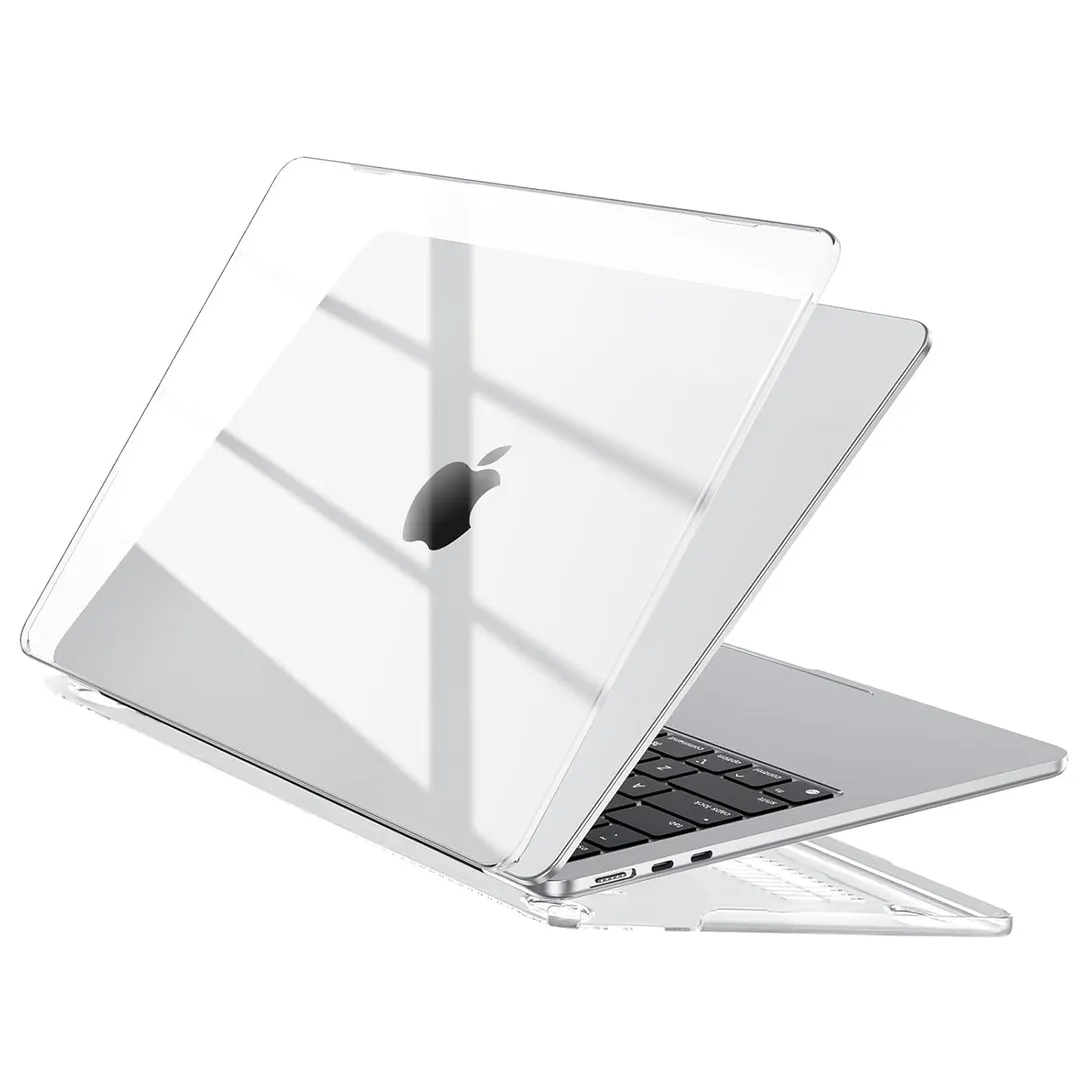
If you want the best all-around office machine, buy the Apple MacBook Air 13-Inch (2026, M5). It is my top pick because it balances raw performance, an incredible battery life, and a fanless design that keeps your workspace silent, making it the most reliable daily driver for most professionals.
Who should buy
- Professionals who prioritize battery life and portability for daily commutes.
- Writers and office workers who need a quiet, distraction-free work environment.
- Users deep in the Apple ecosystem who value integration and longevity.
Who should skip
- Gamers or those running heavy 3D rendering software regularly.
- Users who require a massive array of legacy ports without carrying dongles.
- Individuals who absolutely must have an OLED display.
Apple MacBook Air 13-Inch (2026, M5)
The MacBook Air 13-Inch (2026, M5) remains the gold standard for thin-and-light computing. The M5 chip is remarkably efficient, allowing you to breeze through spreadsheets, heavy web multitasking, and document editing without the machine ever breaking a sweat. Because it has a fanless design, you will never hear a hum or a whir, which is a massive advantage if you frequently take calls or work in quiet offices. The build quality is as premium as it gets, and the 16GB of unified memory ensures you won't hit performance walls during your typical workday.
However, it is not perfect. The port situation is limited to just two Thunderbolt 4 ports, so you will almost certainly need a dock or dongle if you use wired peripherals. Furthermore, while the Liquid Retina display is bright and accurate, it lacks the deep blacks and punchy colors of the OLED panels found on some Windows competitors. This is the machine for the vast majority of office workers, but those who need a dedicated graphics workstation should look elsewhere.
Lenovo ThinkPad X1 Carbon Gen 13 Aura Edition
If your office work is all about business, the Lenovo ThinkPad X1 Carbon Gen 13 Aura Edition is the best Windows machine you can buy. It is remarkably light, yet it feels like it could survive a trip in a crowded bag without issue. The keyboard is easily the best in the industry, providing a tactile, satisfying typing experience that makes long hours of writing much less tedious. You also get a generous array of ports for such a slim profile, which is a rare treat in 2026.
The downside is the price, as this is a premium investment that might be overkill for someone who just needs to check emails and browse the web. You also miss out on an SD card slot, which might bother some creative professionals. This laptop is for the corporate warrior who needs reliability and top-tier ergonomics, but if you are on a strict budget, you should definitely consider a more affordable alternative.
ASUS Zenbook A14
The ASUS Zenbook A14 is an absolute marvel of engineering, weighing in at just 0.99 kg. It uses the Snapdragon X2 Elite processor, which provides an incredible balance between power and extreme efficiency. During my time with it, the battery life was the standout feature, lasting significantly longer than the average ultrabook. If you travel constantly or work from cafes, this is the machine that will let you leave your charger at home with total peace of mind.
The trade-off is that it uses an ARM-based chip, so you should double-check that your specific office software is fully optimized for it. Additionally, while the Ceraluminum build is fantastic, the graphics performance is not meant for heavy-duty gaming or intensive 3D modeling. It is a brilliant choice for writers, consultants, and travelers, but power users needing specific x86-only software should proceed with caution.
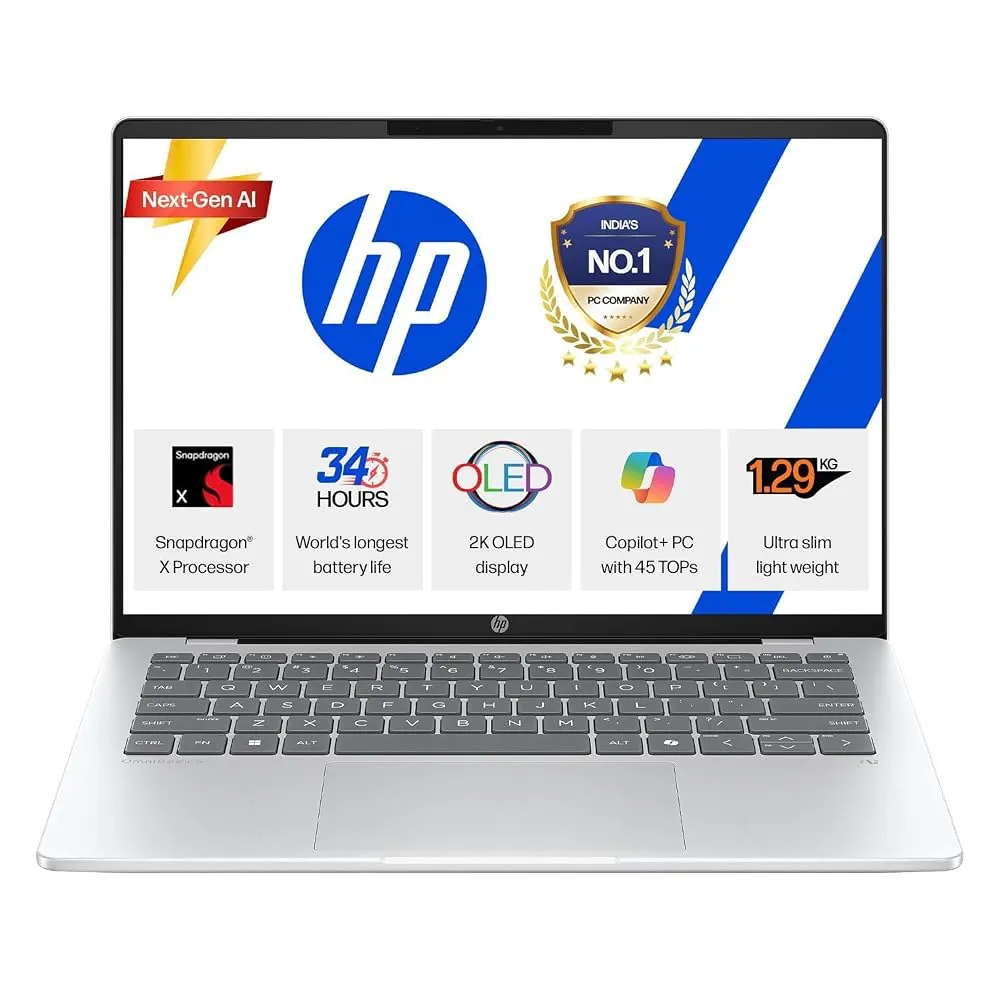
HP OmniBook 5 14
For those who want a brilliant screen without spending a fortune, the HP OmniBook 5 14 is a fantastic value. It features a vivid OLED display that makes everything from spreadsheets to presentations look sharp and vibrant. Its battery life is also stellar, lasting over 30 hours in our testing, which is truly impressive for a Windows laptop. It is thin, light, and priced aggressively, making it one of the most sensible purchases for a student or a budget-conscious office worker.
The build quality is decent, but the plastic keyboard deck does not feel as rigid as the metal chassis of the more expensive options. Graphics performance is also quite basic, so don't expect to do any serious video editing on this machine. It is perfect for those who want a premium screen and battery life on a budget, but if you need a tank-like build, you might want to look at the ThinkPad instead.
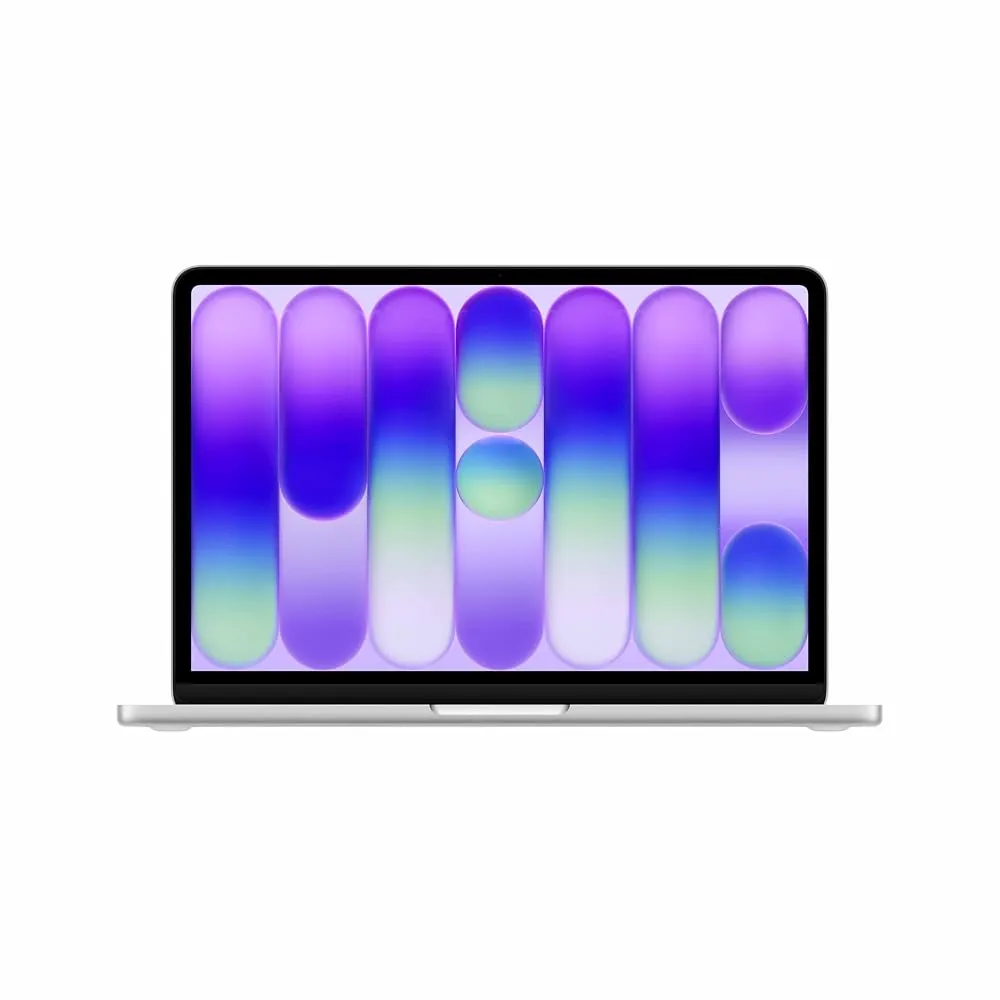
Apple MacBook Neo
The Apple MacBook Neo is the budget-friendly sibling that changes the game for entry-level buyers. It offers a surprisingly capable experience that outclasses many similarly priced Windows laptops. It is fast, efficient, and carries the same solid build quality you expect from Apple. If you need a secondary work machine or are just getting started, this is a much better buy than most generic budget notebooks.
You are making some sacrifices to hit this price point, specifically regarding memory and port flexibility. It doesn't have the sheer power of the M5-powered Air, and the display is not quite as impressive as the Liquid Retina screens. It is for the person who wants a reliable, long-lasting machine without the high price tag, but if your work involves heavy multitasking, you will eventually wish you had spent more for the MacBook Air.
How to choose
When picking an ultrabook, the most common mistake is focusing purely on the processor specs while ignoring the human elements. A processor that benchmarks 10% faster is meaningless if the keyboard is shallow and uncomfortable, or if the screen is too dim to use in a bright office. Always prioritize the keyboard, display quality, and battery life over raw CPU speed. These are the factors that will impact your comfort and productivity every single hour you work.
Another trap is overspending on hardware you don't need. If your work is primarily browser-based or involves Microsoft Office, you do not need a high-end workstation with dedicated graphics. You will only end up with a heavier, hotter machine that drains its battery faster. Stick to the 16GB RAM sweet spot, choose an efficient chip like the M5 or Snapdragon X2 Elite, and put your extra money toward a better display or a lighter chassis.
My final verdict remains the same: the Apple MacBook Air 13-Inch (2026, M5) is the best choice for almost everyone. If you are strictly a Windows user and want the best value, go for the HP OmniBook 5 14.