Best Laptops for Programming in India (2026)
For most developers in India, the Apple MacBook Air M2 is the laptop I'd recommend first. It runs cool and completely silent, the battery genuinely lasts a full workday, and the Unix-based macOS is a comfortable home for most web, mobile, and backend work, so you spend your attention on code, not on fan noise or hunting for a charger.
That said, the right laptop depends on your stack and budget. If you develop for Windows, need cheap upgradable RAM, or want a bigger screen for long sessions, a Windows machine makes more sense. All six here handle everyday coding well; I've ranked them on compile speed, keyboard feel, battery, and build over months of real use.
Who should buy
- You want a laptop that stays quiet and cool through long build and test cycles.
- You value all-day battery so you can code away from a wall socket.
- You want a comfortable keyboard and a screen that's easy on the eyes.
Who shouldn't buy
- You need a dedicated GPU for game dev, ML training, or heavy 3D work.
- You want the absolute cheapest machine and don't mind a plasticky build.
- Your toolchain is Windows-only and you'd rather not run a VM or dual-boot.
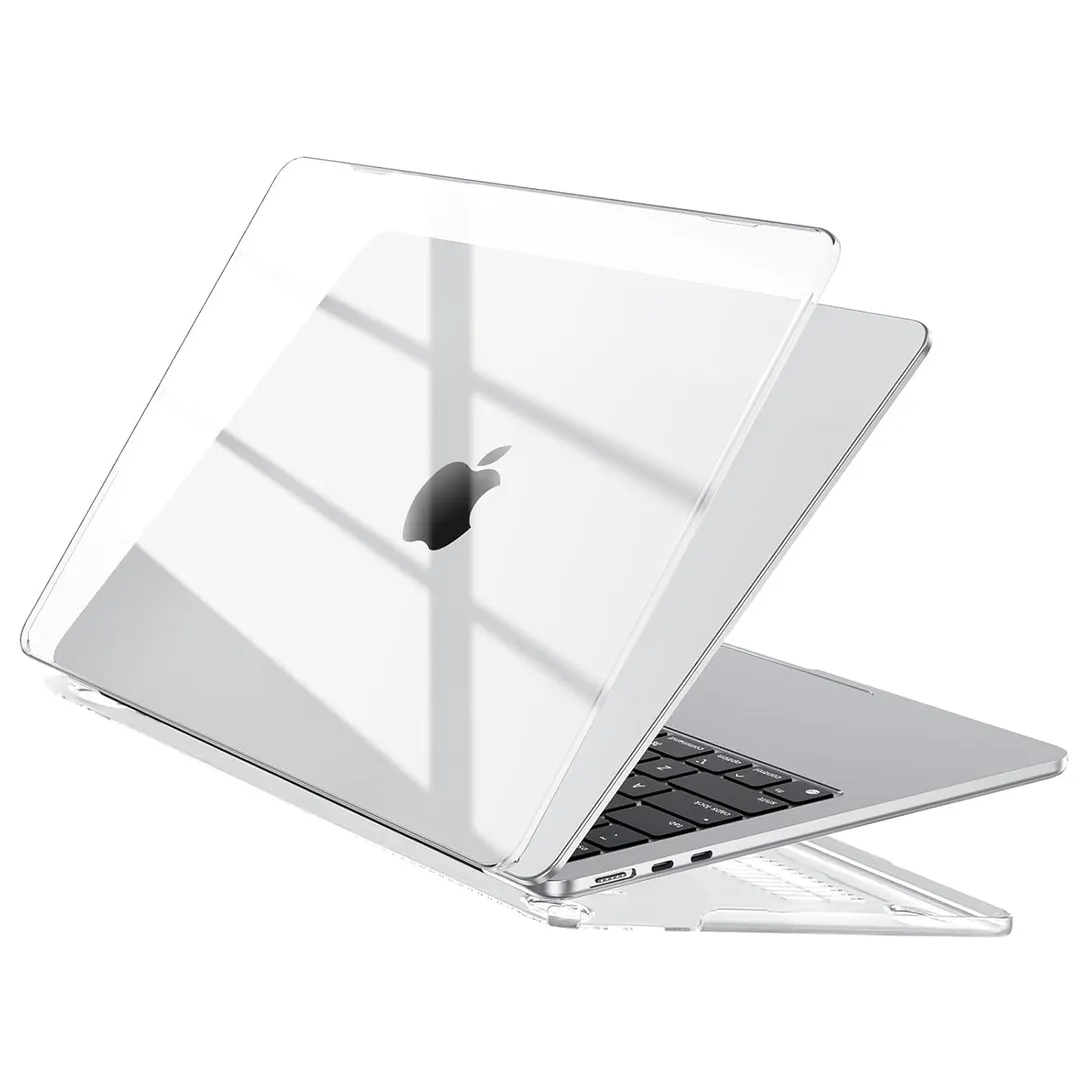
Apple MacBook Air M2
The MacBook Air M2 is the easiest laptop to recommend to most developers. The M2 chip compiles quickly while staying fanless and silent, the battery clears a full workday, and the screen and trackpad are the best in this list. For web, mobile, and backend work on a Unix-like OS, it's a joy to use every day.
The base 8GB RAM is tight for heavy container or IDE workloads, so the 16GB upgrade is worth it and pushes the price up. It also has just two Thunderbolt ports, so you'll likely want a hub. But for pure coding comfort and battery, nothing here beats it.
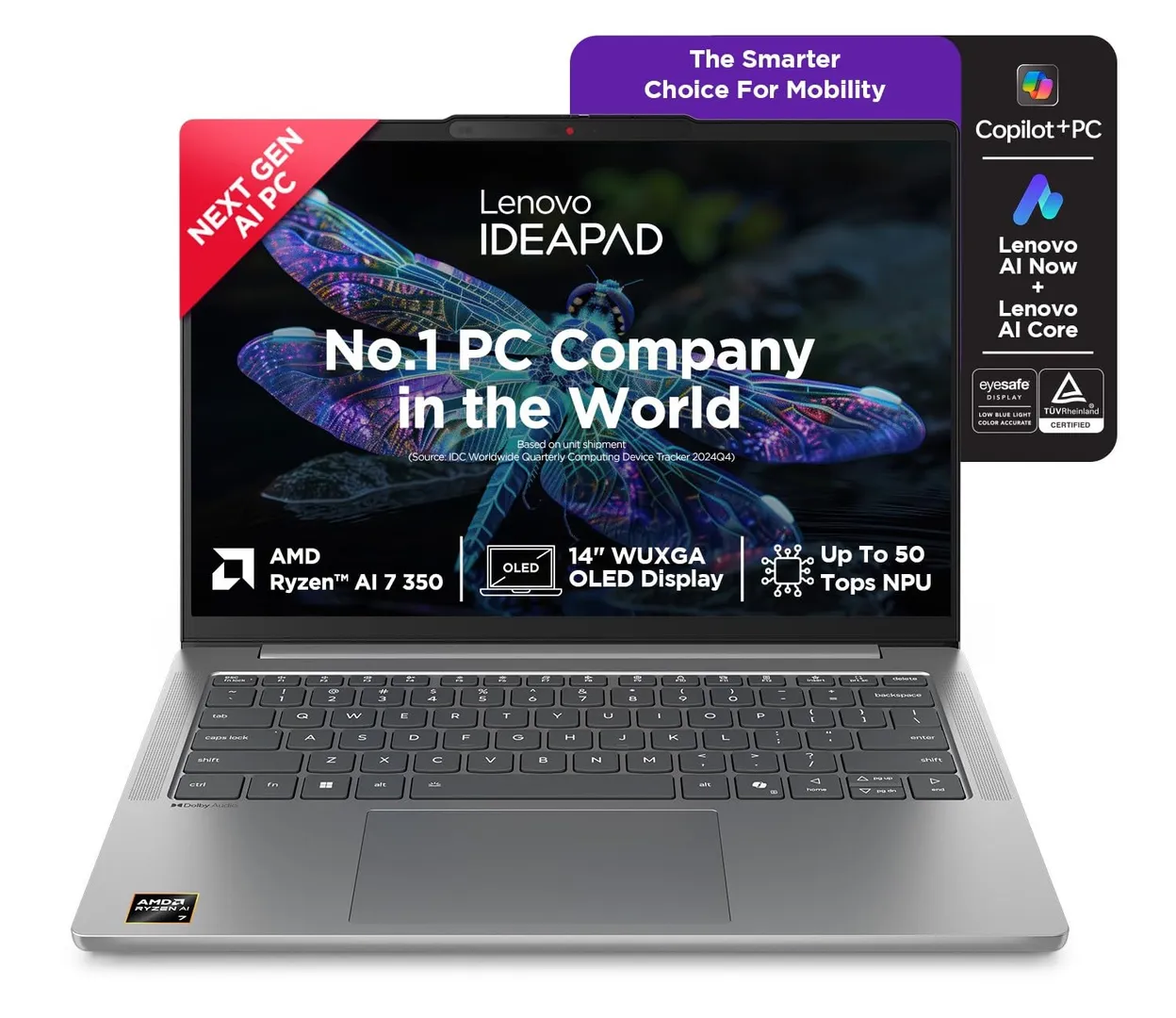
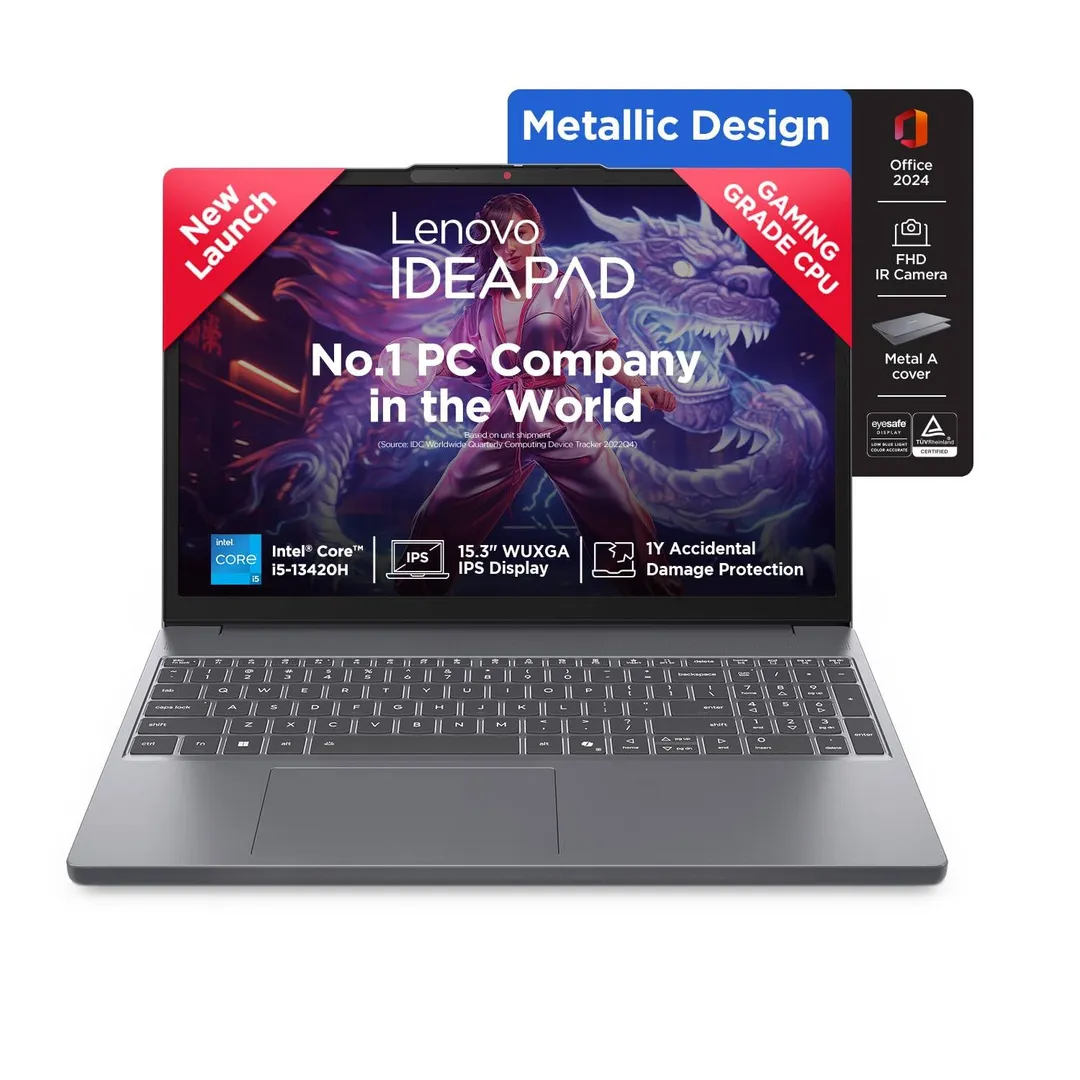
Lenovo IdeaPad Slim 5
The IdeaPad Slim 5 is the best-value Windows pick for coders. Its keyboard is genuinely excellent for long typing sessions, the Ryzen chips handle everyday builds smoothly, and you get a bright, comfortable screen and solid battery for the money. RAM and storage are usually upgradable, which extends its useful life.
The build is good but not premium, and battery trails the MacBook under sustained load. But if you want a comfortable, capable Windows laptop for coding without overspending, the Slim 5 is the sensible default.
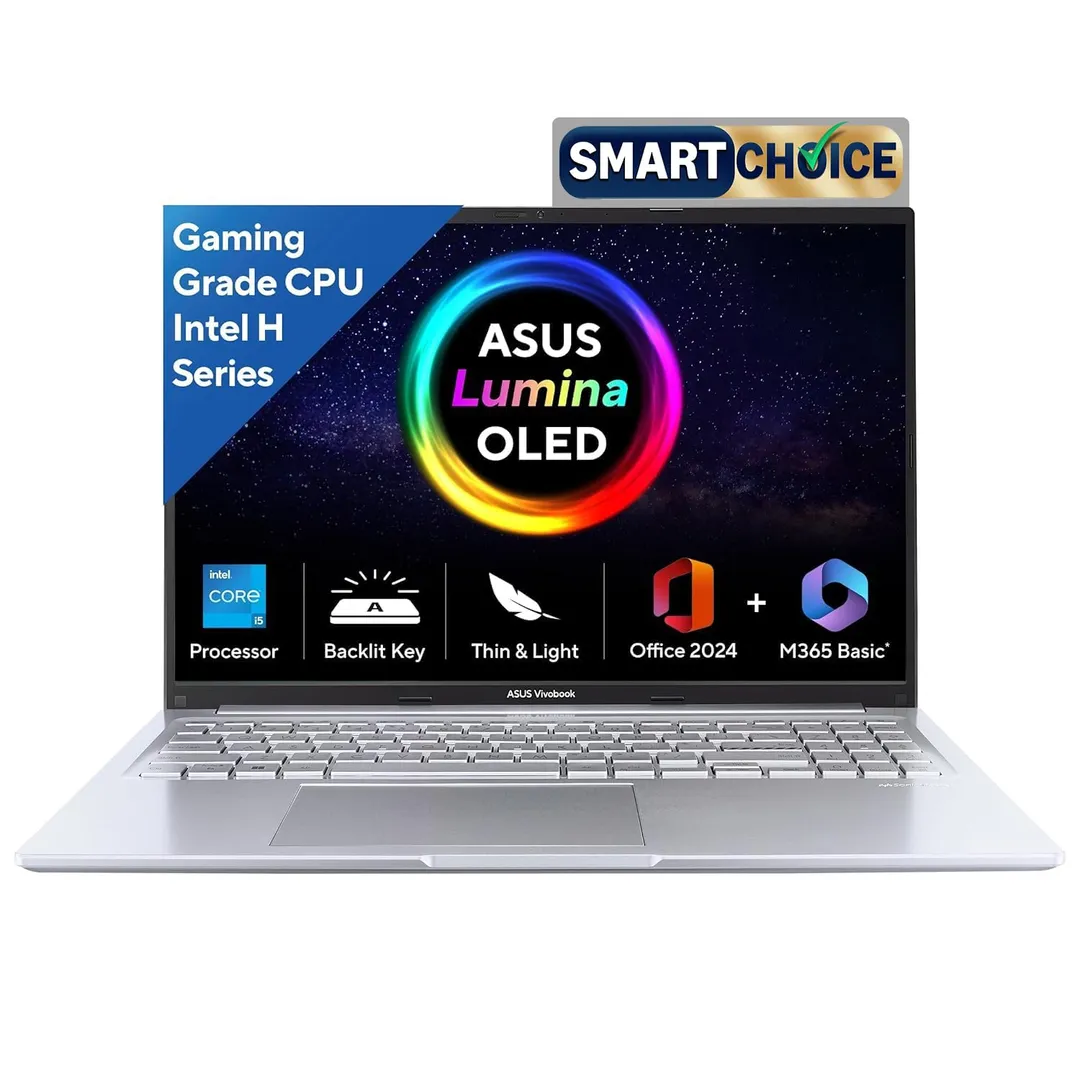
ASUS Vivobook 16
The Vivobook 16 earns its place on screen size alone. The large 16-inch display means less scrolling and more code on screen, which reduces eye strain over long days, and the chassis stays light enough to carry. Performance is fine for web and general development, and the price is friendly.
The panel is usually a basic IPS rather than a high-resolution one, and the plasticky build feels its price. But if a big, roomy screen is what makes you productive, the Vivobook 16 delivers it affordably.
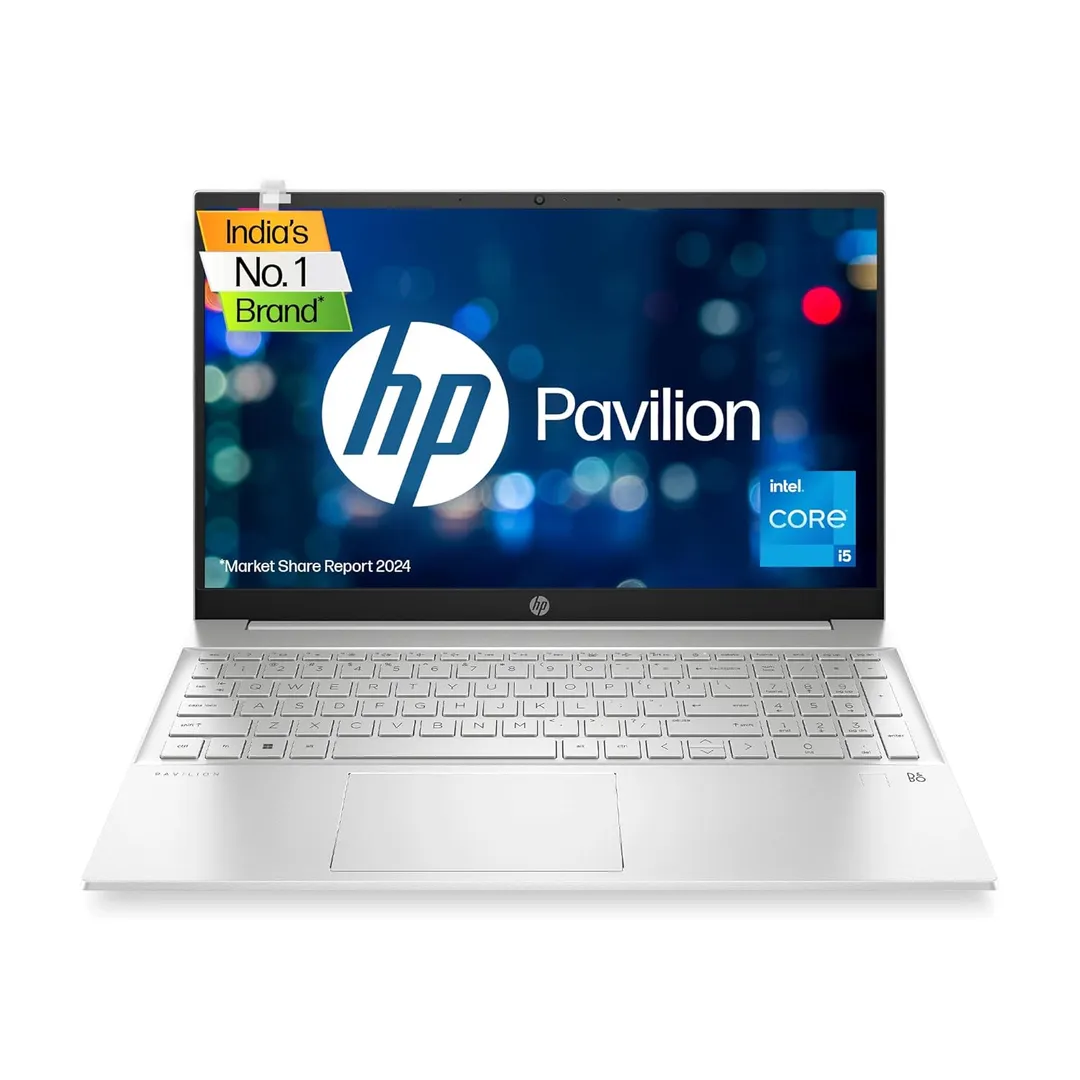
HP Pavilion 15
The Pavilion 15 strikes a sensible balance of power, ports, and price. You get a good port selection including USB-A and HDMI, capable Intel or Ryzen performance for everyday builds, and a comfortable full-size keyboard. It's the all-rounder that doesn't ask you to give up much.
It's a little heavier than the ultrabooks here and the battery is middling. But for a well-rounded Windows coding laptop with the ports you actually need, the Pavilion 15 is a dependable choice.
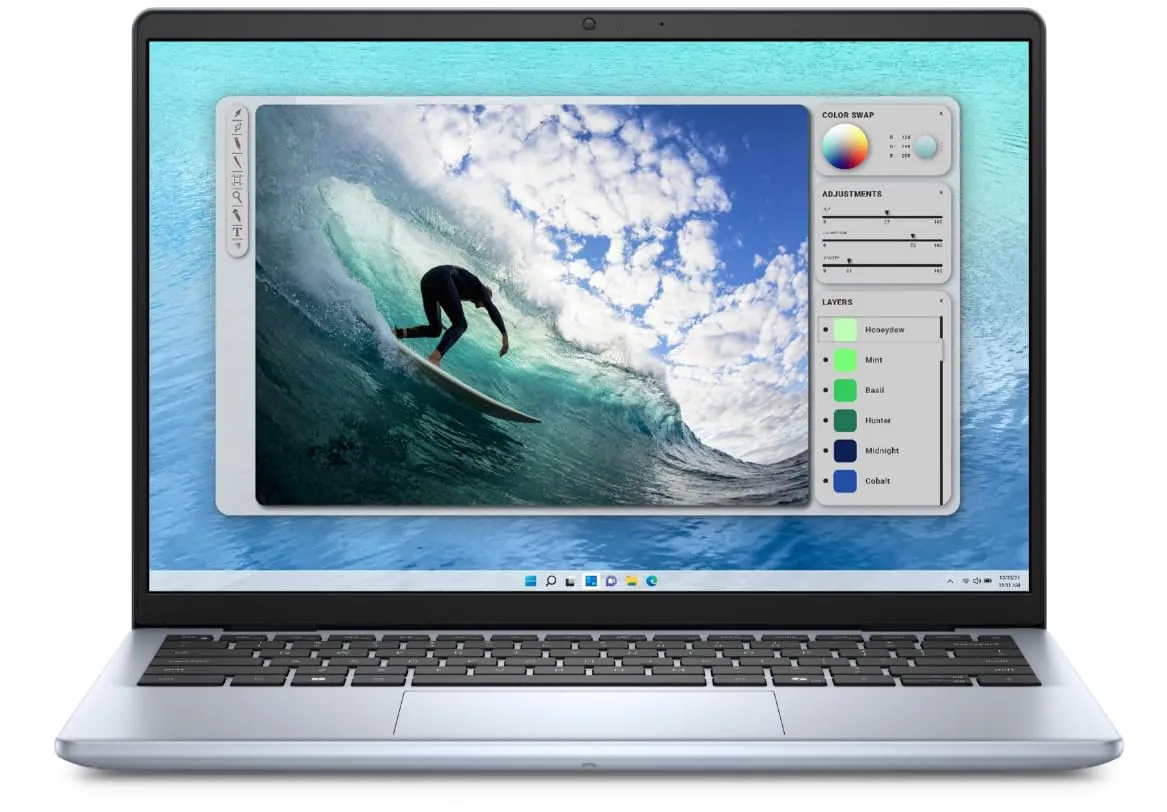
Dell Inspiron 14
The Inspiron 14 is the compact, sturdy option that's easy to live with. It's small enough to carry everywhere, the build is more solid than most at this price, and Dell machines are typically easy to open and upgrade, a real plus if you want to add RAM or swap the SSD later.
The display is usually average and it won't win benchmarks against pricier rivals. But if you want a small, durable, serviceable laptop for coding on the move, the Inspiron 14 fits the brief.
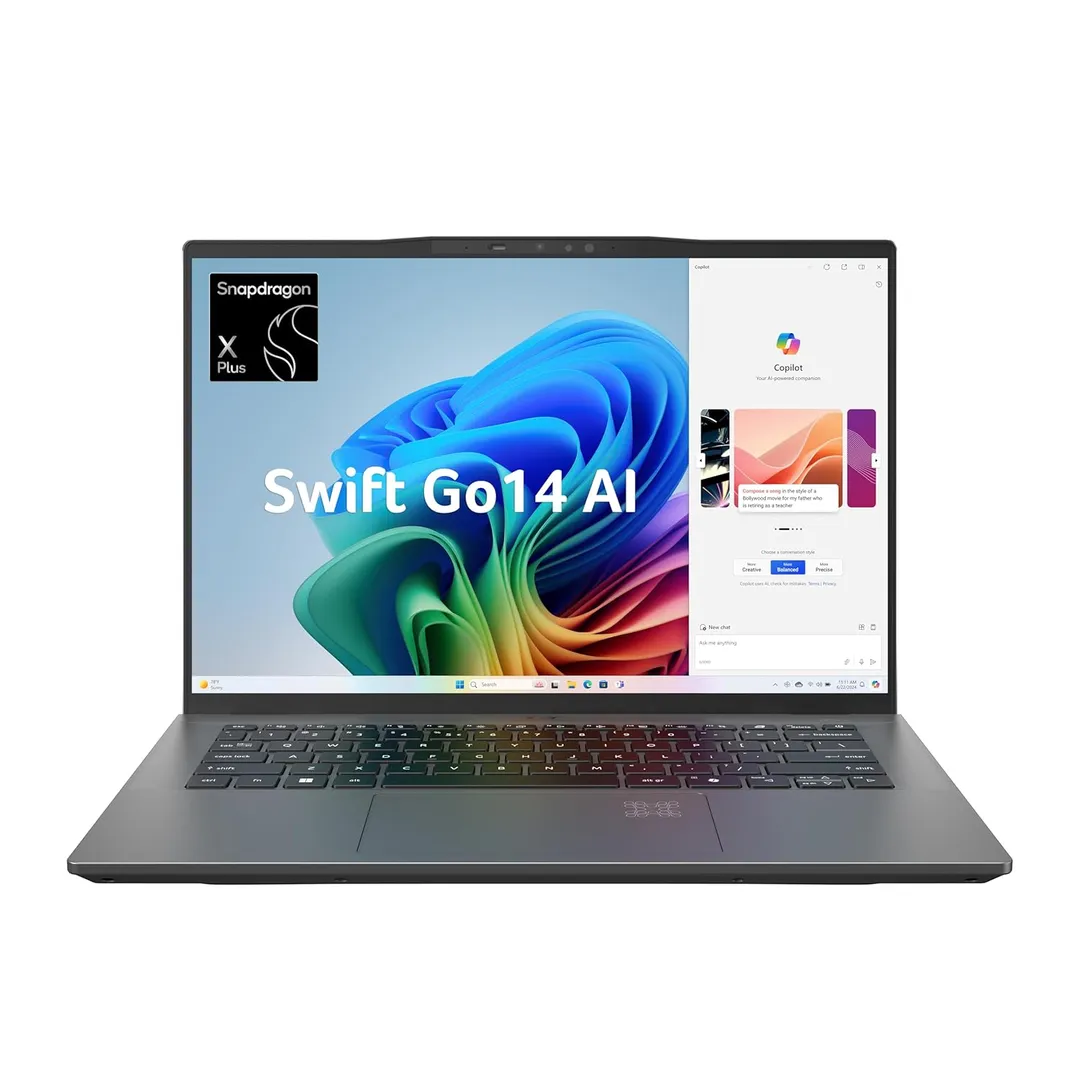
Acer Swift Go 14
The Swift Go 14 is the travel-friendly pick, and its OLED screen is the standout. Text is razor-sharp and colours pop, which makes long coding sessions easier on the eyes, and the whole machine is light and slim enough to forget in your bag. Performance is solid for web and general development.
OLED can sip more battery on bright, static screens, and Acer's build feels a touch less premium than the price suggests. But for a light ultrabook with a gorgeous display, the Swift Go 14 is hard to beat.
How to choose
Start with your operating system and stack, because that decides more than any spec. If your work is web, mobile, or backend on Unix-like tooling, the MacBook Air M2's battery and silence are hard to give up; if you build for Windows or want cheap upgradable RAM, a Windows laptop like the IdeaPad Slim 5 or Pavilion 15 makes more sense. Buying purely on a headline CPU number, rather than the machine that fits how and where you code, is the usual mistake.
Then weigh RAM, keyboard, and battery over raw peak power. For most coding, 16GB of RAM matters more than a faster chip you rarely max out, a comfortable keyboard saves your hands over long days, and real all-day battery changes where you can work. Treat screen size and portability as personal calls, a 16-inch panel eases eye strain at a desk, while a 14-inch ultrabook wins if you carry it everywhere.
The verdict
For most developers, the MacBook Air M2 is the one to beat on battery, silence, and comfort, get the 16GB model. Choose the Lenovo IdeaPad Slim 5 for the best Windows value, and the ASUS Vivobook 16 if a big screen is what keeps you productive.