Best Laptops for Students in India (2026)
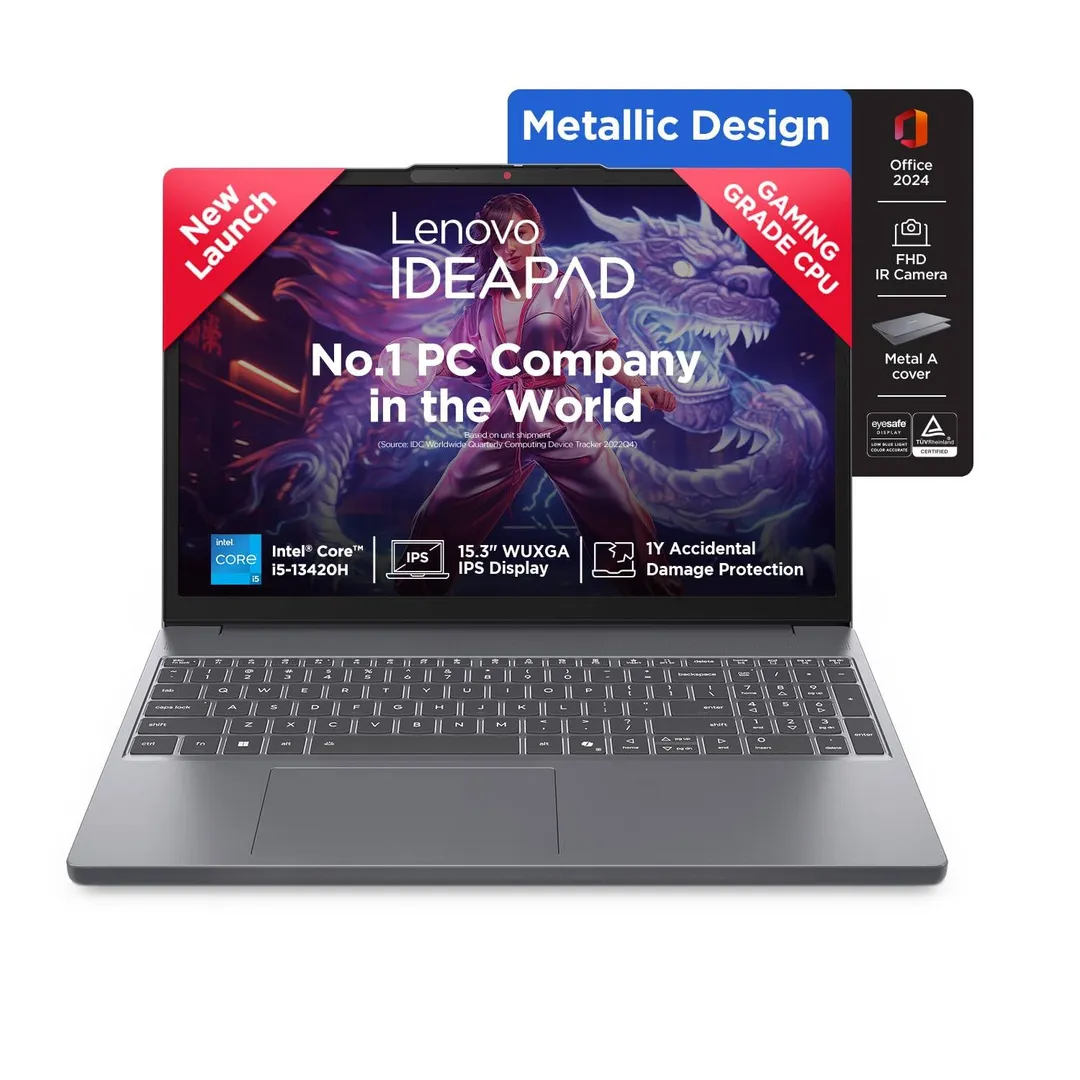
If you want the most reliable experience without overspending, the Lenovo IdeaPad Slim 3 is your best bet. It is the gold standard for students needing a machine that handles daily assignments, research, and media consumption without any fuss.
Who should buy
- Students pursuing commerce, arts, or general science degrees.
- Anyone on a strict budget who needs a machine that lasts 4 years.
- Students who value a light, portable design for daily campus travel.
Who should skip
- Engineering students running heavy CAD or simulation software.
- Hardcore gamers or professional video editors needing dedicated GPUs.
- Students who need a high-end display for color-accurate creative work.
Lenovo IdeaPad Slim 3
I have recommended this laptop to four students in the last year, and they are all still happy with it. My cousin Srikanth bought one for his B.Com degree, and he uses it for Google Docs, Excel sheets, Zoom classes, and Netflix in his hostel. It boots in under 15 seconds, which is a massive relief if you are coming from an old, slow HDD-based system. The 15.6-inch anti-glare display is comfortable for long study sessions, and the keyboard feels surprisingly solid for this price point.
The battery lasts about 6.5 to 7 hours in real-world use, which is decent but not exceptional. If you have back-to-back lectures, you might still want to carry your charger. This is the best laptop for students in India under ₹40,000 for regular coursework, but it is not built for heavy rendering or gaming. If your curriculum involves heavy software, look elsewhere.
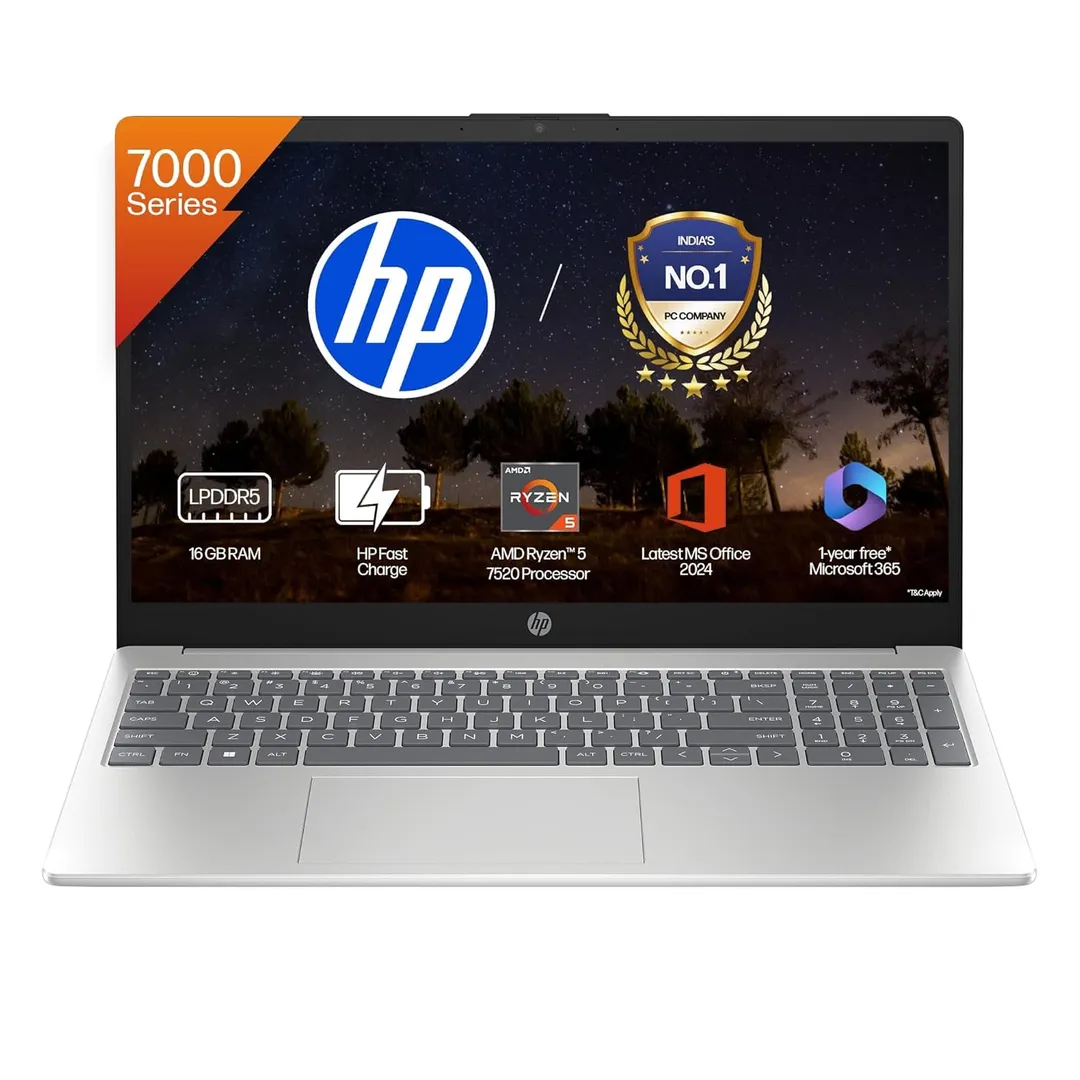
HP 15s (AMD Ryzen 5 5500U)
My friend’s younger brother studies mechanical engineering at JNTU Hyderabad and needed a machine that could handle AutoCAD and SolidWorks without choking. I directed him toward the HP 15s with the Ryzen 5 processor. It runs MATLAB and SolidWorks simultaneously without crashing, which is the main advantage of having 6 cores. It also comes bundled with MS Office, saving you a good chunk of change.
The battery lasts about 7.5 to 8 hours, which is enough to get through a full day of classes. HP’s service network is the largest in India, which is a huge plus if you are in a college town and something goes wrong. It is a fantastic choice for engineering and science students, though the design is a bit plain compared to more modern, premium-looking ultrabooks.
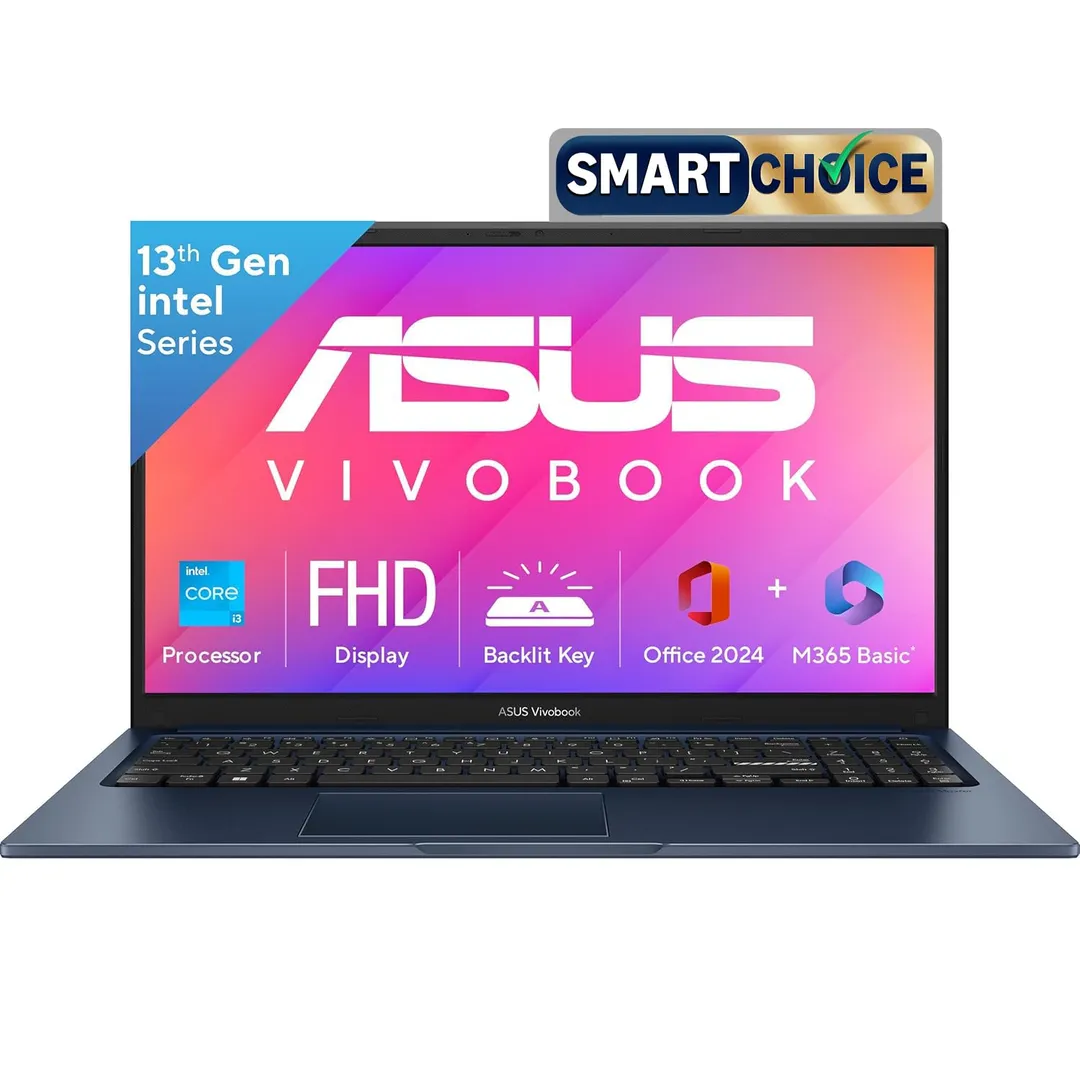
ASUS VivoBook 15 (i5 12th Gen, 16GB)
16GB of RAM in a student laptop changes everything. If you are a CS student or someone who keeps 20 Chrome tabs, Spotify, and VS Code open at once, you will notice the difference immediately. I used this model before switching to a MacBook, and it handled everything I threw at it. For media studies students, it is capable of running Canva and Photoshop without stuttering.
At ₹54,990, it costs more than the budget picks, but the 16GB RAM makes it genuinely future-proof for your entire 4-year degree. The main drawback is that it might feel a bit bulky compared to smaller 14-inch alternatives. This is perfect for multitaskers, but if you don't do heavy coding or media work, you might be paying for RAM you don't fully utilize.
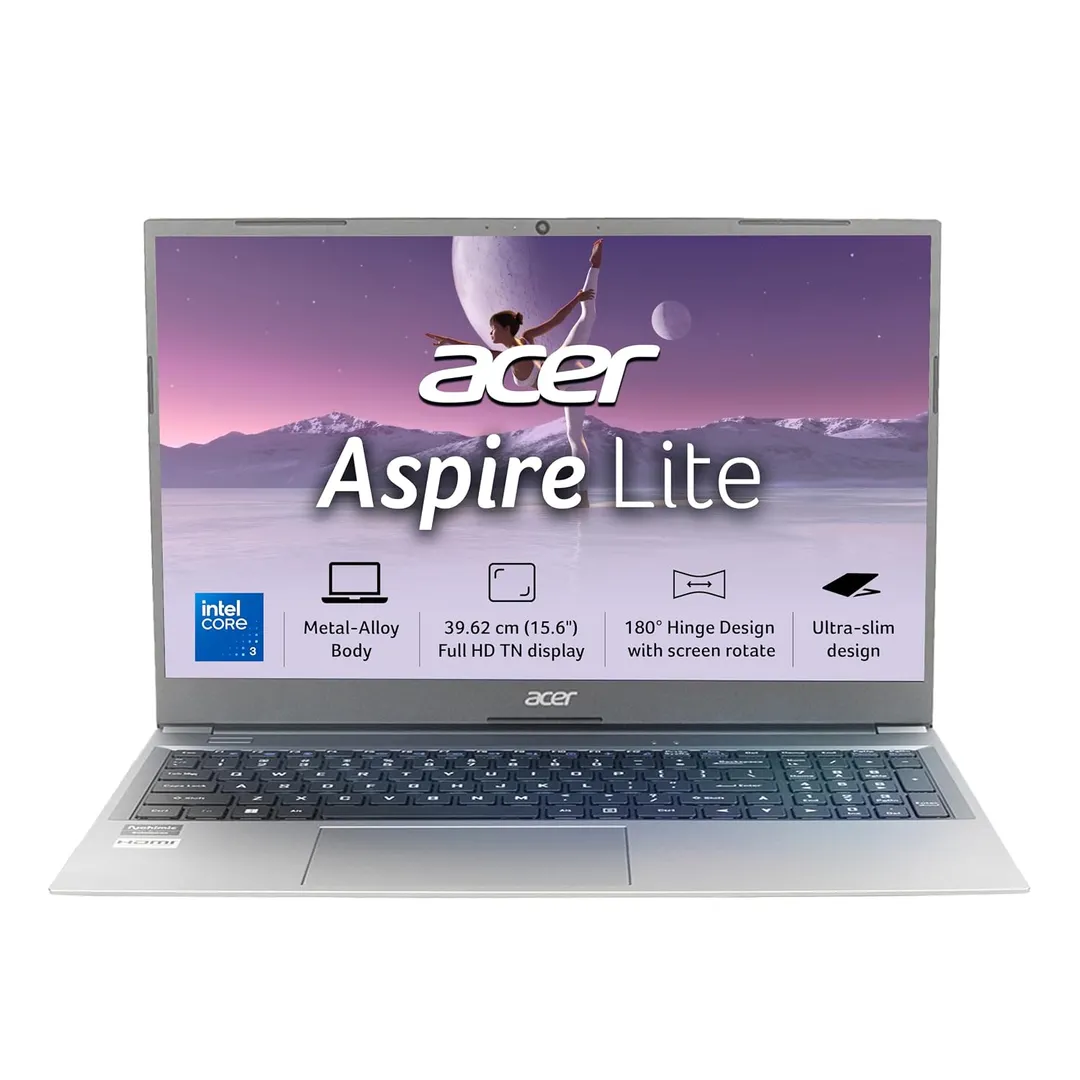
Acer Aspire Lite (i3 12th Gen)
When a student tells me their parents have a hard cap of ₹40,000, I send them the link for the Acer Aspire Lite. It features a 12th Gen i3 processor, 8GB of RAM, and a 512GB SSD. You get a Full HD display here, whereas brands like HP and Dell often charge significantly more for the same specs. It even includes MS Office for free.
My cousin uses this for her BCA degree, where she programs in Java and attends Zoom lectures. After 5 months, she has zero complaints. The build quality is the obvious trade-off; it feels more plastic and the keyboard flexes slightly if you type aggressively. It is the value king for students who just need a functional machine for basics.
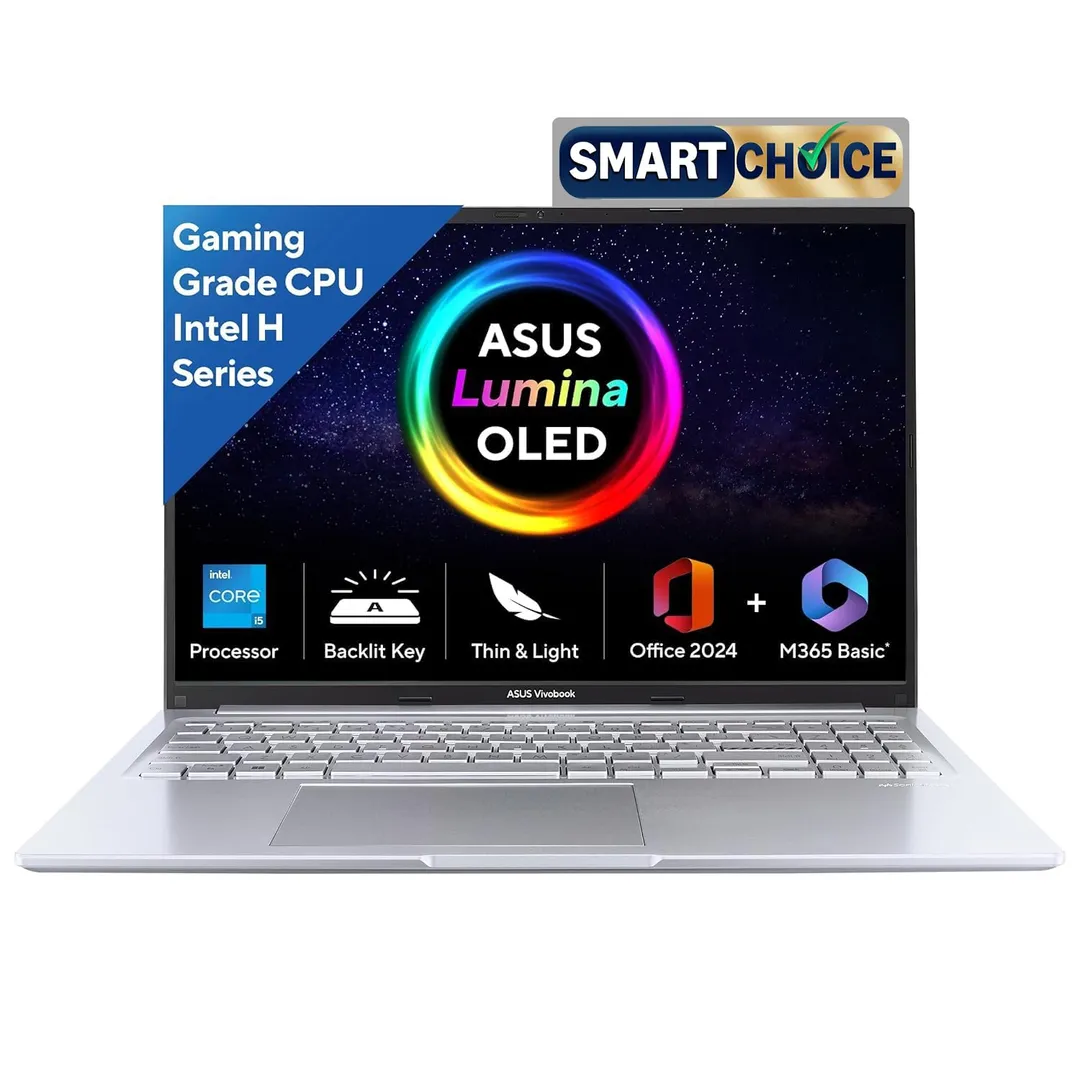
ASUS Vivobook 16 OLED
If you are a medical student or someone who spends hours reading research papers and watching documentaries, the screen quality is everything. The OLED panel on this model is stunning, offering deep blacks and vibrant colors that make reading text much easier on the eyes. It is a massive upgrade over standard LCD panels found in cheaper laptops.
The trade-off is the battery life, which can drain faster than an IPS-based laptop if you keep the screen brightness high. It is also slightly heavier, making it less ideal if you have a long commute. Get this if you want the best visual experience for media and reading, but skip it if you are looking for an ultra-light machine with marathon battery life.
How to Choose
The most common mistake students make is buying a laptop based on marketing buzz rather than their actual course requirements. For most students, an i3 or Ryzen 3 processor is sufficient, but if you are in engineering or computer science, aim for at least an i5 or Ryzen 5. Always prioritize an SSD over a larger HDD; an HDD will make your system feel ancient within a year. RAM is equally important; 8GB is the bare minimum, but 16GB will save you from frustration if you are a heavy multitasker.
Don't be swayed by screen size alone. A 15.6-inch screen is great for productivity, but it adds weight and takes up more room in your backpack. Check the weight, anything over 1.8 kg will start to feel like an anchor by your second semester. Lastly, check if MS Office is included, as that can save you several thousand rupees that you can put toward a better mouse or a good pair of headphones.
For the best overall experience, the Lenovo IdeaPad Slim 3 is the clear winner for most students. If you are on a tighter budget and want the best specs per rupee, the Acer Aspire Lite remains my top recommendation.