At a Glance: What Are You Actually Getting?
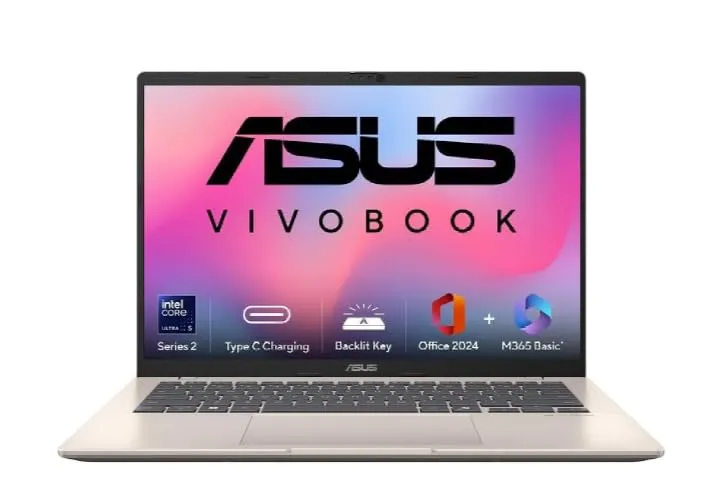
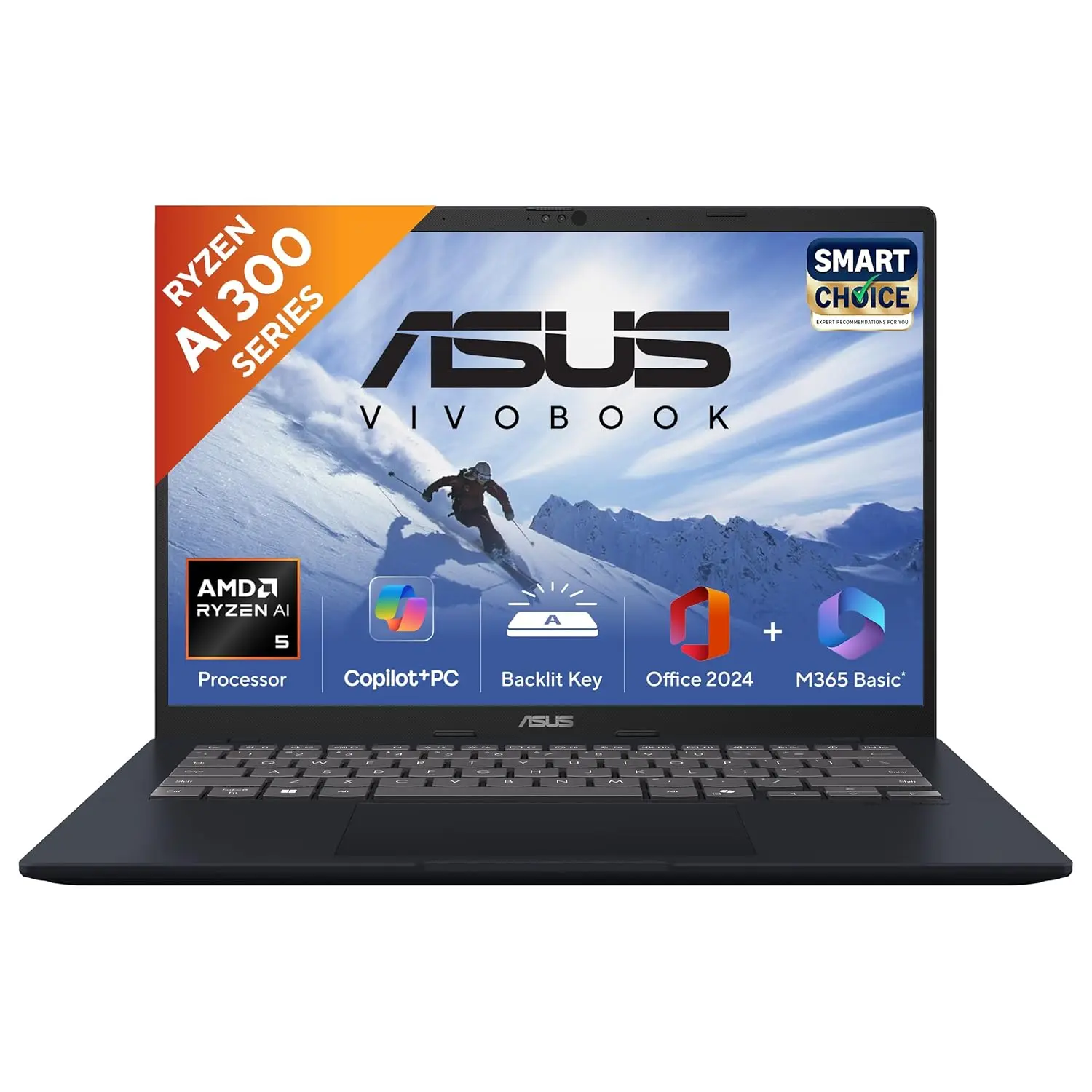
Hey everyone! If you're shopping for a new laptop around ₹60,000, you've probably seen the ASUS Vivobook 14 (X513EA-BQ579W) popping up on Amazon India. It's a confusing market out there, and I've been through this drill more times than I can count, both for myself and for friends and family asking for advice.
So, let's cut through the noise. I've dug into the specs, compared the benchmarks, and weighed the pros and cons to give you a straight-talking, human review of this laptop. No robotic jargon, just honest insights.
Priced at ₹58,990, this Vivobook model is trying to stand out with one massive feature: 24GB of RAM. That's a lot for this price bracket. But as with anything, there are trade-offs. Let's break it down.
Key Specifications:
- Processor (CPU): Intel Core i3-1215U (12th Gen)
- RAM: 24GB DDR4 (16GB soldered + 8GB slot)
- Storage: 1TB (512GB SSD + 512GB External HDD)
- Display: 14-inch Full HD (1920x1080)
- Graphics: Integrated Intel UHD Graphics
- Battery: 42Wh, claimed up to 8 hours
- Weight: ~1.4 kg
- OS: Windows 11
The Heart of the Matter: Performance & Real-World Use
Let's be real. When we say "performance," we usually mean "does it feel fast?" For everyday tasks like browsing with 20+ tabs, working on documents, streaming videos, and jumping on Zoom calls, this Vivobook handles it just fine. The 24GB RAM is its superpower, preventing slowdowns even when you're multitasking like a pro.
However, the Intel Core i3-1215U processor is the compromise here. It's an entry-level chip. In benchmark terms, it scores around 1859 (single-core) and 4896 (multi-core) on Geekbench 6. That's okay, but it's significantly behind the i5 and newer Core Ultra chips found in other laptops at this price.
What this means for you: If your work involves heavy number crunching, video editing, coding, or anything that needs serious CPU grunt, this might feel sluggish. The RAM can't make the processor itself faster.
Build, Look, and Feel: The Daily Companion
I've held my share of laptops, and build quality matters more than you think until you're carrying it every day.
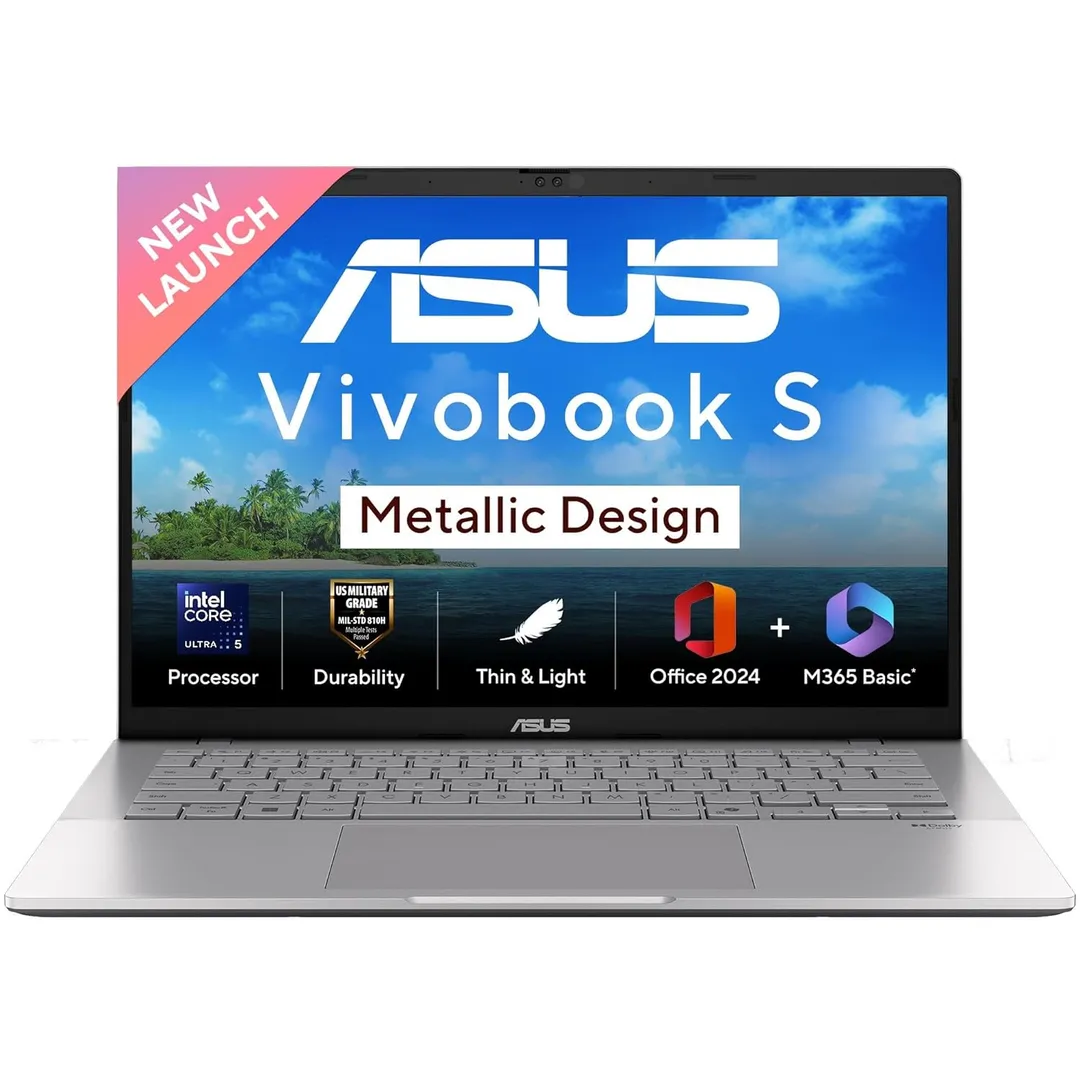
This Vivobook has a plastic chassis in a "Quiet Blue" color. It's not the sleek, premium feel of a metal-bodied laptop. It's lightweight at 1.4kg, which is great for carrying to college or work, but it's not the absolute lightest out there. Some competitors, like the ASUS Vivobook S14, are even lighter.
A couple of noticeable misses:
- The keyboard isn't backlit. If you work in dimly lit rooms or late at night, this is a genuine hassle.
- The 720p webcam is pretty basic and lacks a privacy shutter.
It feels like a practical, no-frills machine. They cut costs on the body and some features to pack in that extra RAM and storage.
Battery Life: Will It Get You Through the Day?
ASUS claims up to 8 hours. From my experience and reading user reports, that's achievable if you're doing light work, writing, browsing, some YouTube, at medium brightness.
Push it harder with video calls or multiple apps, and you'll be looking for a charger sooner. The 42Wh battery is fairly standard, but don't expect the marathon 15+ hour sessions you'd get from a MacBook Air or some ultra-efficient Windows rivals. It's a "get through a workday away from the wall" kind of battery, not a "forget your charger at home" kind.
The Real Test: How Does It Compare to Others?
This is the most important part. Your ₹59,000 can go to several other excellent laptops. Here's a quick comparison.
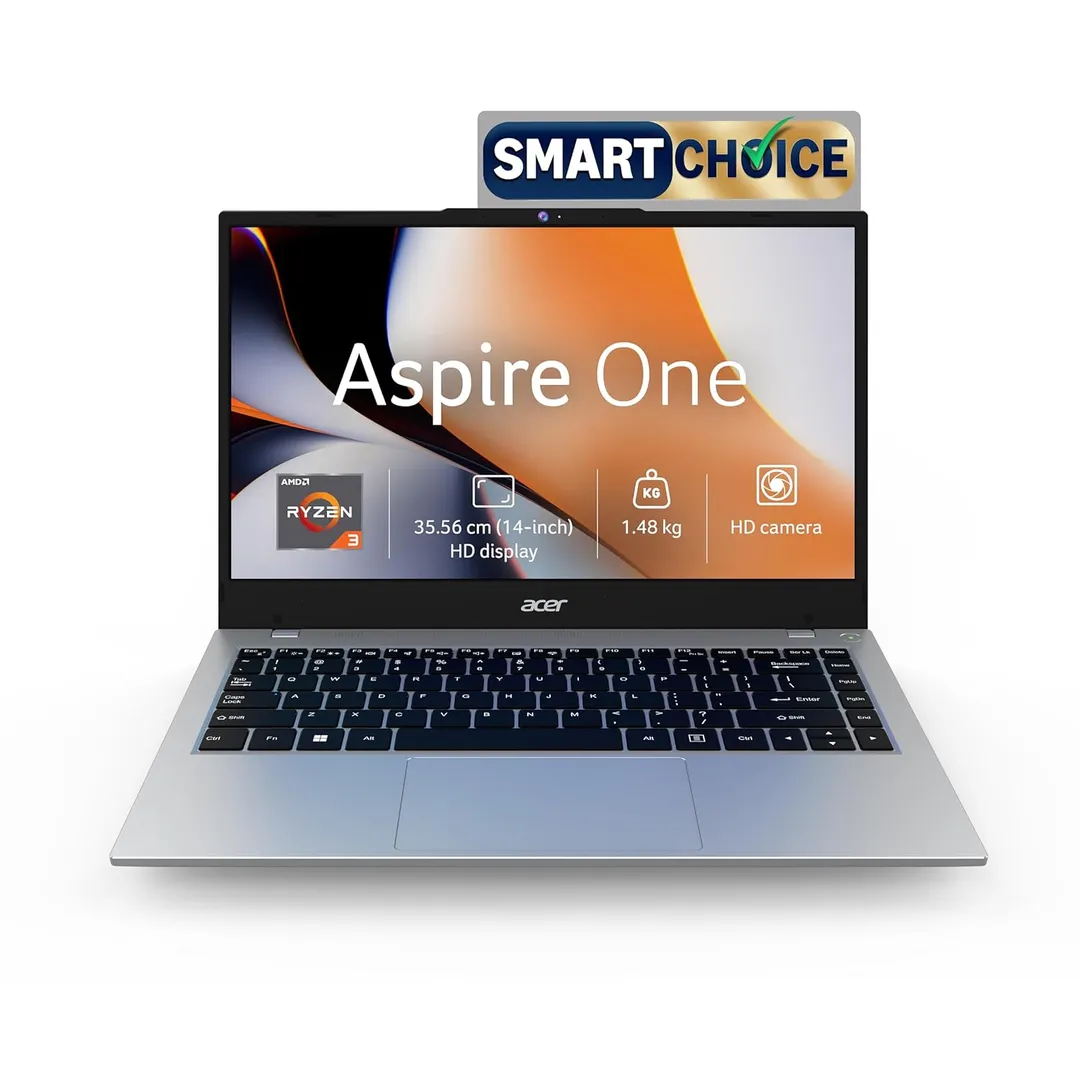
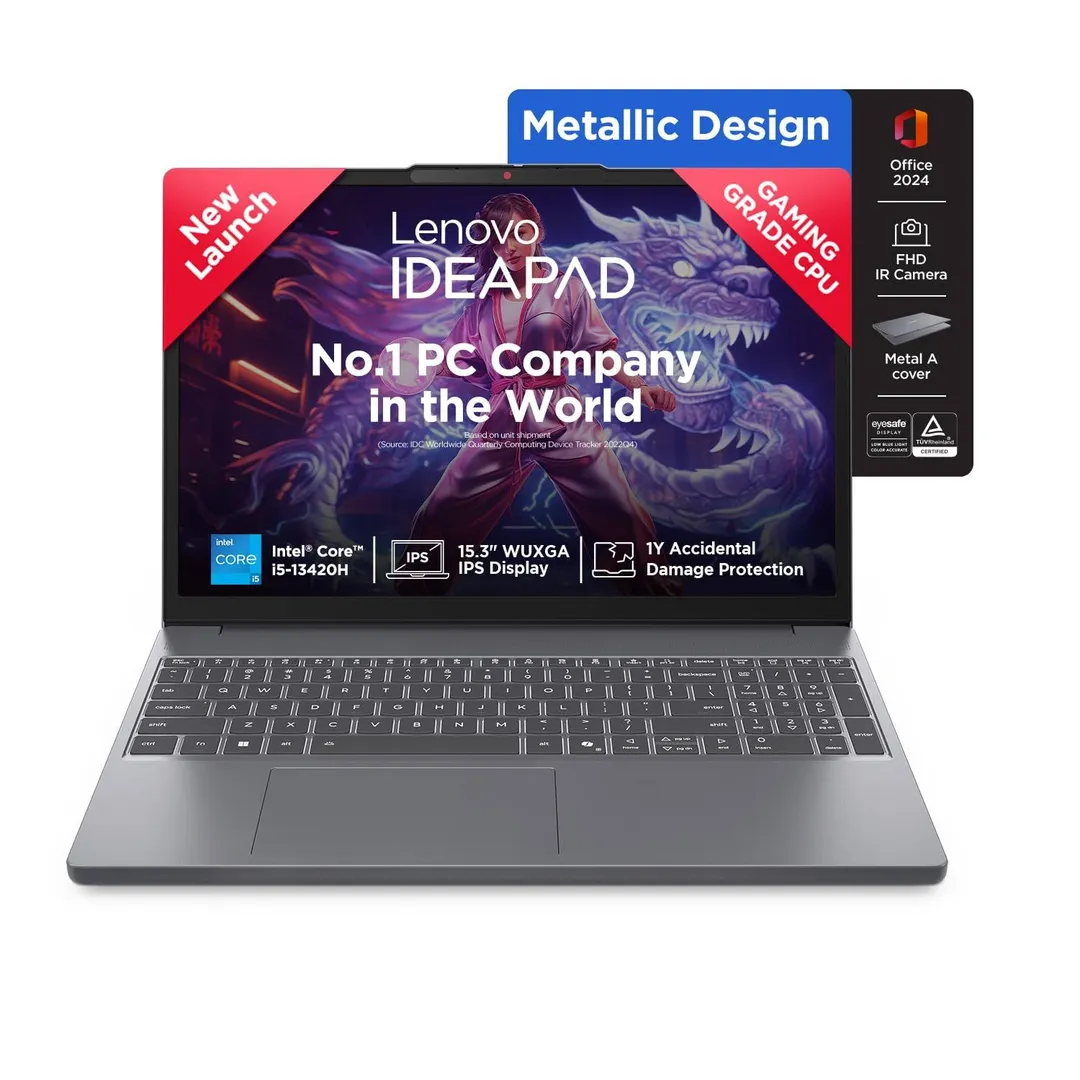
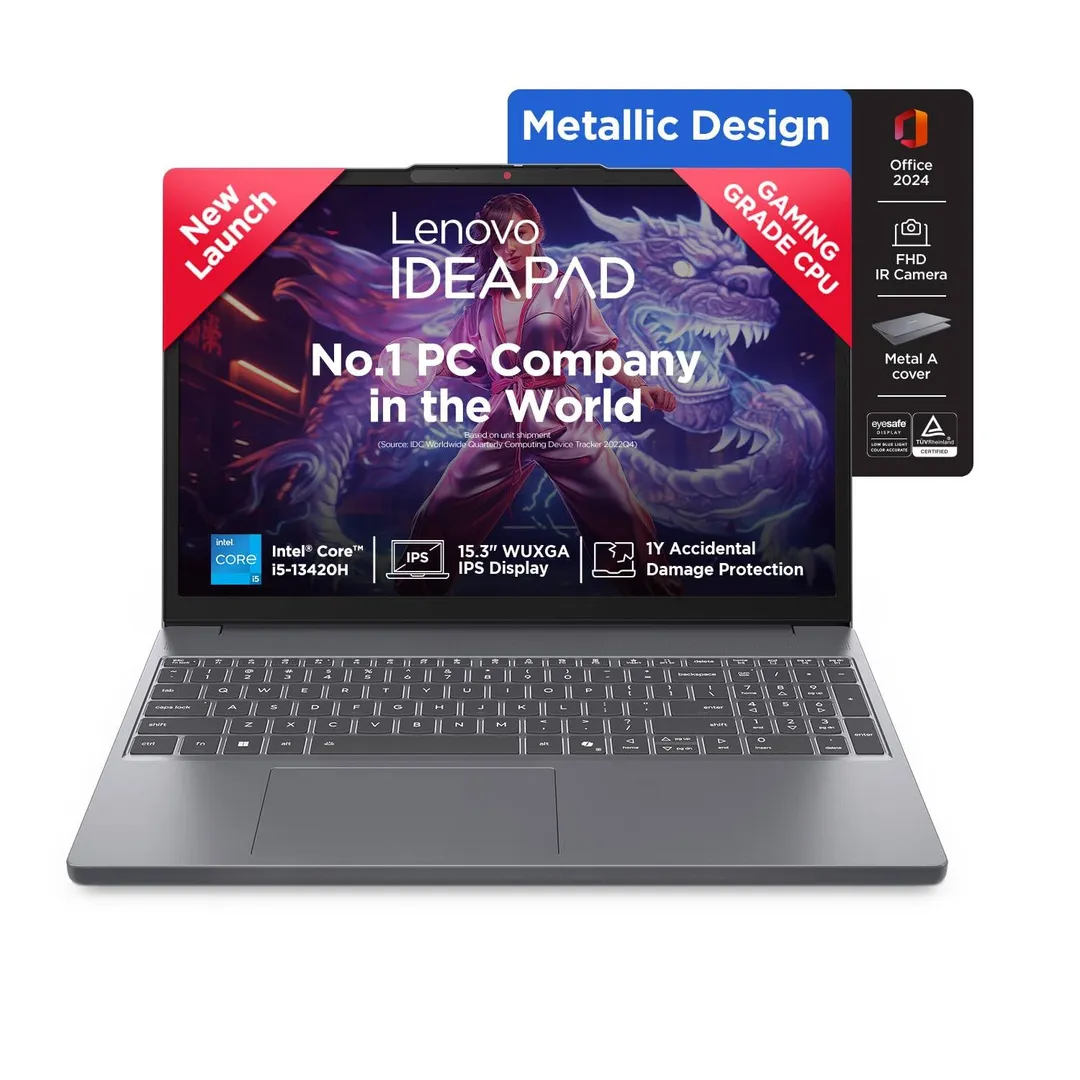
| Feature | ASUS Vivobook 14 (X513EA) | Acer Aspire Go 14 | Lenovo IdeaPad Slim 3 |
|---|---|---|---|
| Price | ₹58,990 | ~₹58,990 | ~₹58,990 |
| Processor | Intel Core i3-1215U | Intel Core Ultra 5 125H | Intel Core i5-13420H |
| RAM | 24GB | (Often 16GB) | 16GB |
| Storage | 1TB | 512GB SSD | 512GB SSD |
| Key Strength | Massive RAM & Storage | Much faster CPU & GPU | Strong all-round performance |
See the pattern? The Vivobook wins on quantity of RAM and storage. But the Acer Aspire Go 14 (with a newer Core Ultra 5 chip) and the Lenovo IdeaPad Slim 3 (with a Core i5) offer significantly better processing power.
For most people, a faster processor with 16GB of RAM will feel much snappier and more future-proof than a slower processor with 24GB of RAM.
Brand Trust, Reviews, and What to Watch Out For
ASUS is a trusted brand in India with good service network support. That's a big plus. However, you should know about a couple of things pointed out in user reviews:
- The 1TB Storage: It's a combo of a 512GB SSD and a 512GB external hard drive. Some buyers have reported confusion upon delivery, so double-check with the seller that both components are included.
- Fan Noise: Some users have mentioned the fan can get a bit noisy under load, which can be annoying.
I always recommend reading through user reviews on Amazon to get a feel for these real-world issues. Look for patterns in the complaints, not just the one-off issues.
Final Verdict: Who Should (and Shouldn't) Buy This Laptop?
After all this, here's my honest take, the same way I'd advise a friend.
Buy the ASUS Vivobook 14 (X513EA-BQ579W) if:
- Your work is extremely memory-heavy and you know you need 24GB RAM. Think: massive Excel sheets, running virtual machines, heavy graphic design with large files.
- You prioritize tons of storage space above all else.
- Your tasks are primarily web-based, document editing, and presentations.
Look at other options (like the Acer Aspire Go or Lenovo IdeaPad) if:
- You prioritize raw speed and smooth performance. The faster processors in these models will offer a noticeably better experience for most tasks, including light photo/video editing.
- You want better build quality, a backlit keyboard, or longer battery life.
- You play even light games; the newer Intel Iris Xe graphics in those models are better than the UHD graphics here.
Helpful Resources for Your Research
Don't just take my word for it! Here are some trusted resources I always use to make informed decisions:
- Geekbench Browser: To compare raw CPU performance scores between different models.
- Notebookcheck: For incredibly detailed, technical reviews on displays, battery life, and performance.
- YouTube Reviews: Search for the exact model number. Seeing a laptop in action in a hands-on video is invaluable.
The ASUS Vivobook 14 X513EA is a good laptop that makes a very specific trade-off. It's not for everyone, but for the right person with very specific needs, it could be a perfect fit. Know your needs, compare your options, and happy shopping!