Introduction
Hey there! If you're feeling overwhelmed by the countless laptop options out there, you're not alone. As someone who's helped dozens of friends and family members choose their perfect machine, I understand the struggle. This guide cuts through the technical jargon and marketing hype to give you straight talk about what really matters in a laptop today.
Minimum Specs for 2025: What You Really Need
Let's start with the non-negotiable basics. These are the minimum specs I'd recommend to anyone today, regardless of budget:
| Component | Minimum | Recommended | Notes |
|---|---|---|---|
| Processor | Intel Core i5-12400 / AMD Ryzen 5 5600 | Intel Core i5-13400 / AMD Ryzen 5 7600 | Don't settle for anything less than 10th gen Intel or Ryzen 5000 series |
| RAM | 8GB | 16GB | 8GB is the absolute minimum, but 16GB will future-proof your investment |
| Storage | 256GB SSD | 512GB NVMe SSD | Never buy a laptop with a mechanical hard drive in 2025 |
| Display | 14" FHD (1920×1080) | 15.6" FHD IPS | Avoid HD (1366×768) displays - they're painfully inadequate today |
| Battery | 45Wh | 60Wh+ | Look for 8+ hours of real-world usage claims |
I've seen too many people regret buying underpowered laptops to save a few thousand rupees. Trust me, spending a little more now will save you from frustration later.
Operating Systems: Which One is Right For You?
Your choice of operating system determines your entire computing experience. Here's my honest take on each:
Windows 11
Best for: Most users, gamers, professionals
Windows remains the most flexible option with the widest software compatibility. Windows 11 has matured into a solid OS that works well on everything from budget laptops to premium machines.
Pros
- Widest software and game support
- Works with virtually all hardware
- Familiar interface
Cons
- More vulnerable to malware
- Can come with bloatware
macOS
Best for: Creatives, Apple ecosystem users
Apple's laptops offer exceptional build quality and a consistent experience if you're already in their ecosystem. The M-series chips deliver incredible performance and battery life.
Pros
- Excellent optimization
- Superior build quality
- Great for creative work
Cons
- Premium pricing
- Limited upgrade options
ChromeOS
Best for: Students, casual users, secondary devices
Chromebooks have evolved beyond simple browsers to capable machines. They're affordable, secure, and perfect if you live in a web browser.
Pros
- Affordable
- Low maintenance
- Excellent battery life
Cons
- Limited offline functionality
- Not for specialized software
Performance Benchmarks: What the Numbers Actually Mean
It's easy to get lost in technical specifications. Here's what you really need to know:
CPU Benchmarks: Look for Cinebench R23 (multi-core) and Geekbench 5 scores. A Cinebench score over 8000 is good for most tasks, while content creators should aim for 12000+.
GPU Performance: Integrated graphics have improved dramatically. AMD's Radeon graphics generally outperform Intel's Iris Xe, but neither can replace a dedicated GPU for serious gaming or video work.
Real-World Performance: Benchmarks don't always reflect actual experience. For everyday use, prioritize single-core performance and fast storage.
Cost to Performance: Finding the Sweet Spot
Budget Range (₹30,000-₹60,000)
At this price, you're making compromises. Focus on getting at least 8GB RAM and an SSD. AMD Ryzen 5 processors often offer better value here.
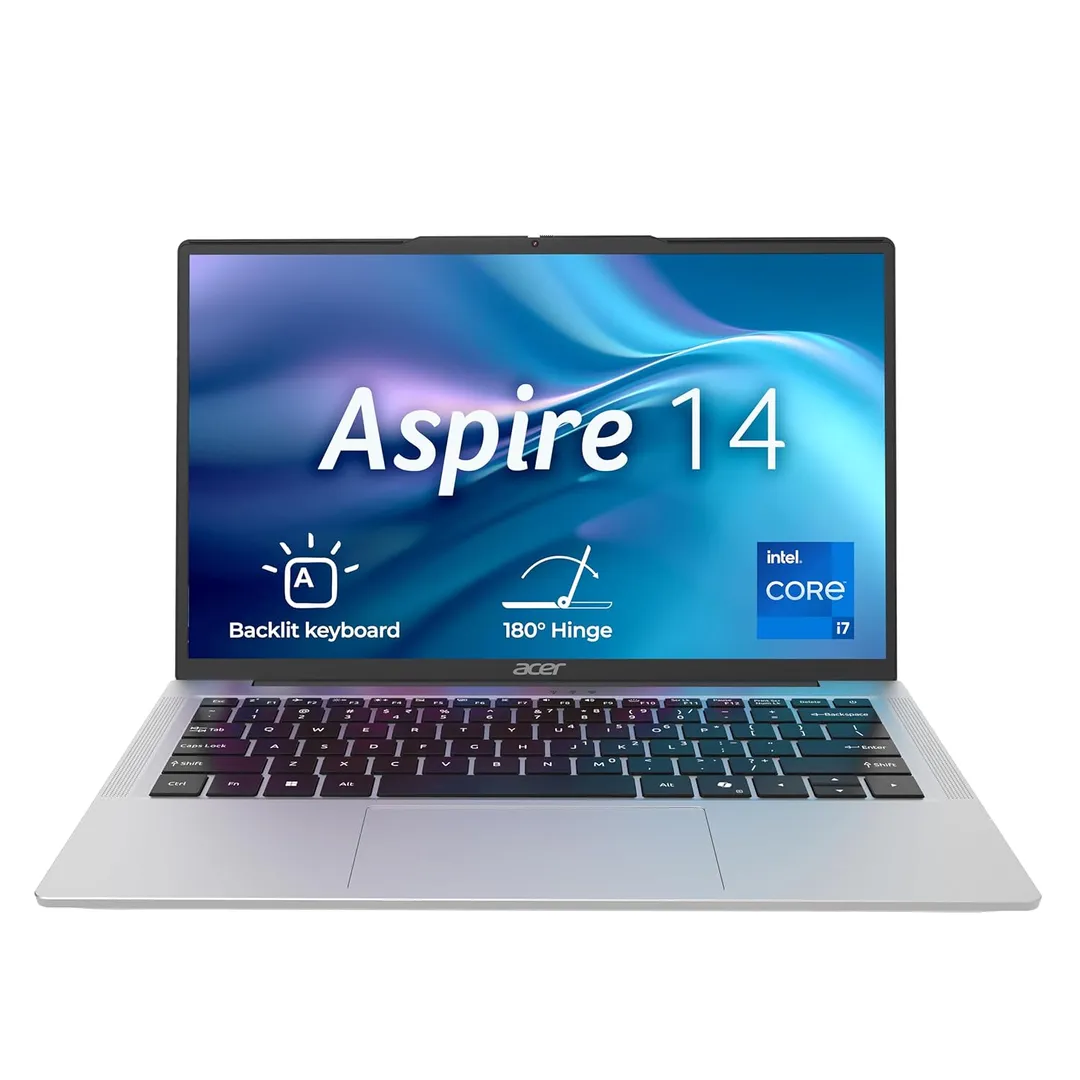
My pick: The Acer Aspire 14 consistently delivers the best specs for the price.
Mid-Range (₹60,000-₹1,20,000)
This is the sweet spot for most users. You'll get better build quality, brighter displays, and processors that will remain capable for years.
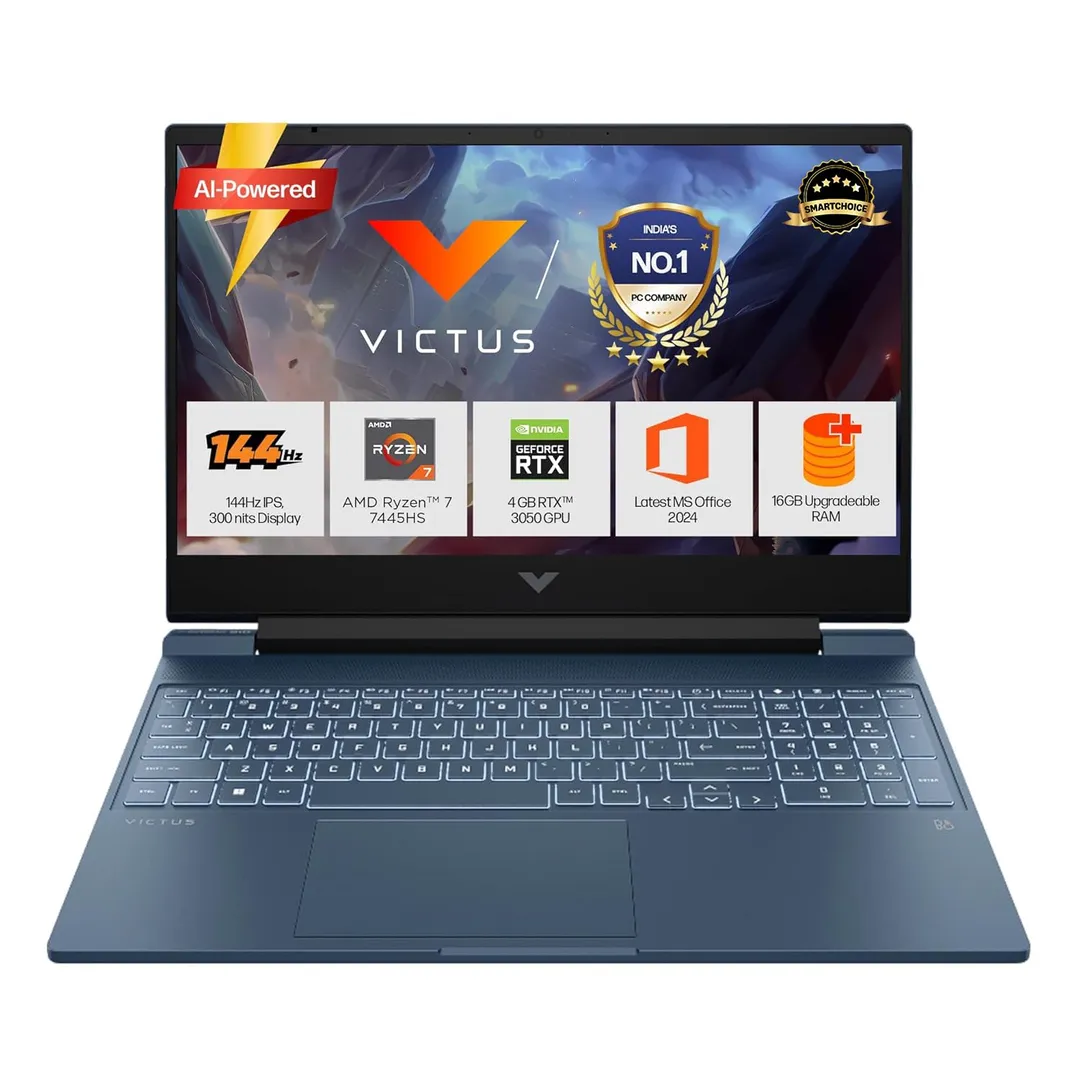
My pick: The HP Victus offers exceptional build quality and performance.
Premium (₹1,20,000+)
Here you're paying for premium materials, superior displays, and the fastest components. Only necessary if you have specific performance needs.
My pick: The Apple MacBook Pro 14-inch is worth every rupee for creative professionals.
Brand Trust & Reliability
Based on my experience and industry repair data:
Most Reliable: Apple, Lenovo (ThinkPad series), and Dell (XPS and business lines) consistently have the lowest failure rates.
Good Value: ASUS, Acer, and HP offer solid options with good warranty support in India.
Consider with caution: Some newer brands offer impressive specs at low prices but may have inconsistent quality control and limited service centers in smaller cities.
Trusted Resources for Further Research
While I've distilled my experience here, I always recommend checking multiple sources before making a decision:
- Notebookcheck.net - Incredibly detailed technical reviews
- Dave2D - YouTube channel with balanced laptop reviews
- Geekbench Browser - Compare performance scores
- DisplayNinja - Understand display quality metrics
I also recommend reading user reviews on Amazon/Flipkart to understand real-world experiences, but focus on patterns rather than individual complaints.
Final Thoughts
Choosing a laptop is a personal decision that depends on your specific needs, budget, and preferences. There's no single "best" laptop for everyone, but there is a best laptop for you.
Remember that technology keeps evolving - what's high-end today will be mainstream tomorrow. Focus on getting what you need rather than chasing the latest specs.
If you have specific questions about your use case, feel free to reach out through the contact form. I'm happy to help based on your individual needs!