Best Wireless Mouse for Work and Gaming in India (2026)
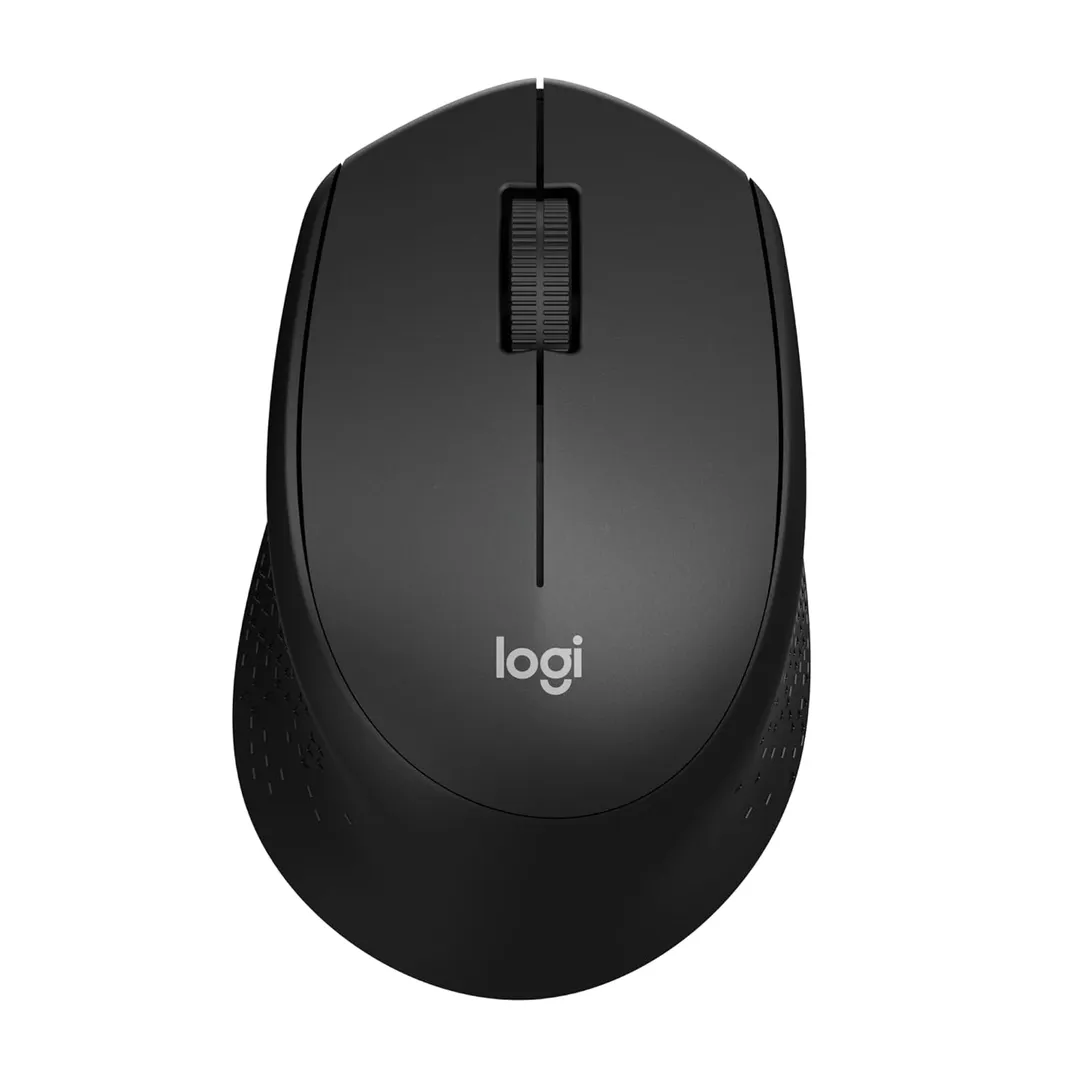
For most people setting up a desk, the Logitech M331 Silent is the wireless mouse I'd recommend first. It's comfortable for a full day, its clicks are genuinely quiet, and the connection just works, and for everyday computing that dependable, fuss-free comfort matters more than a spec sheet of buttons you'll never map.
The right pick, though, depends on whether you want premium productivity, gaming performance, or the cheapest reliable option. All six here connect reliably and do their core job well; I've weighed them on comfort, connection stability, and battery life for how you'll actually use them.
Who should buy
- You want a comfortable, reliable mouse for daily work, browsing, and office tasks.
- You're tired of a cramped laptop trackpad and want something that connects and stays connected.
- You value quiet clicks and long battery life over flashy gaming features.
Who shouldn't buy
- You want a serious competitive gaming mouse; a general one won't match a dedicated esports model.
- You only use a laptop occasionally on the move; the trackpad may be enough for you.
- You want a tiny travel mouse; the most comfortable ones are full-sized rather than pocketable.
Logitech M331 Silent
The Logitech M331 Silent is the everyday default that does everything right. It's shaped for comfortable all-day use, its silent clicks are a genuine relief in shared homes and offices, the wireless connection is rock-solid, and the battery lasts many months on one cell. For the vast majority of people who just want a reliable work mouse, it's the easy pick.
It's a basic mouse without extra programmable buttons or high-end sensors, so power users may want more. But for quiet, comfortable, dependable daily use, the M331 is hard to beat at its price.
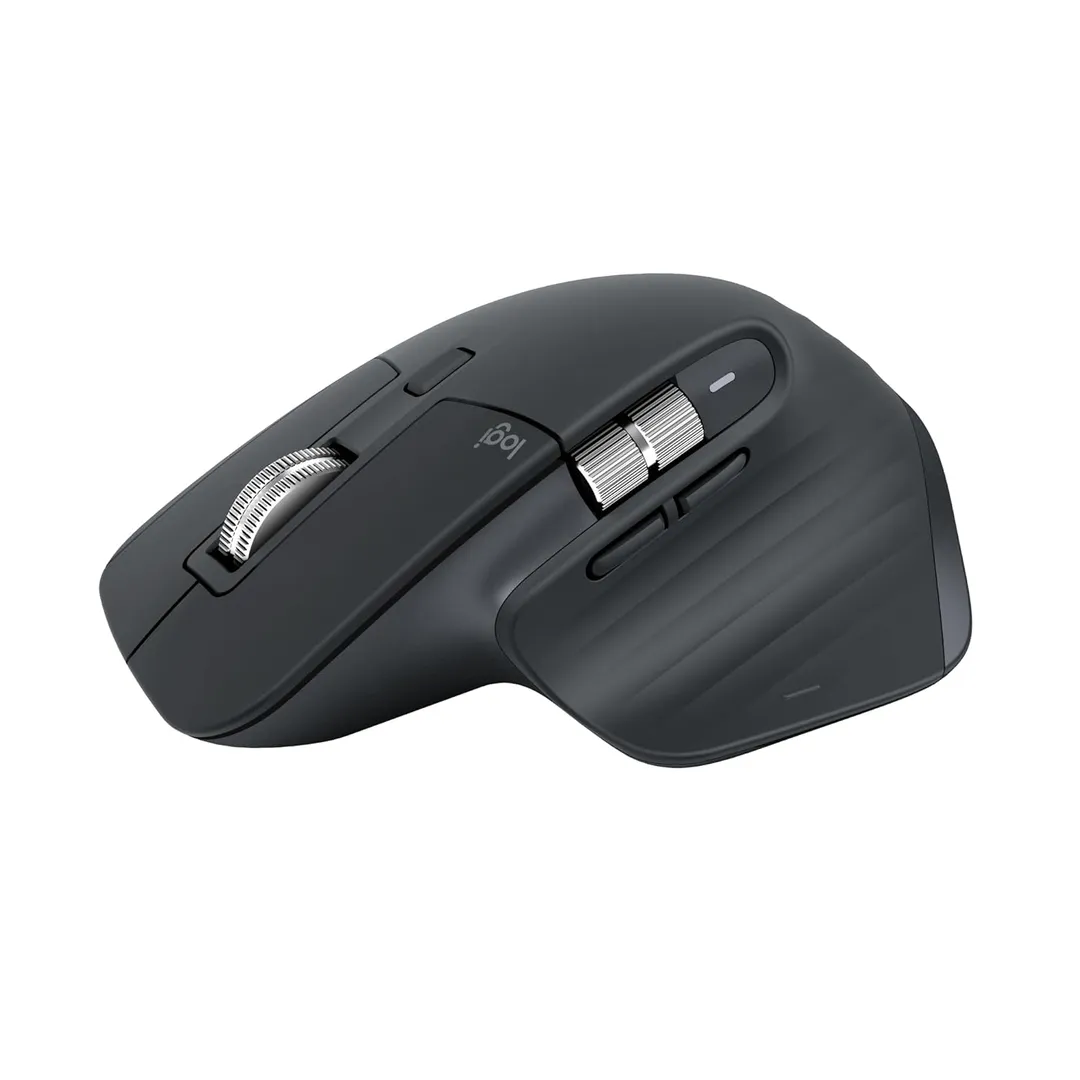
Logitech MX Master 3S
The Logitech MX Master 3S is the premium productivity champion. Its sculpted shape supports the hand beautifully over long days, the fast scroll wheel and extra buttons speed up real work, and it pairs with multiple devices and switches between them instantly. For anyone who lives at their desk editing, coding, or writing, it's a genuine upgrade.
It's considerably more expensive than a basic mouse and too large for small hands or travel. But if you spend all day working and want the most comfortable, capable productivity mouse, the MX Master 3S earns every rupee.
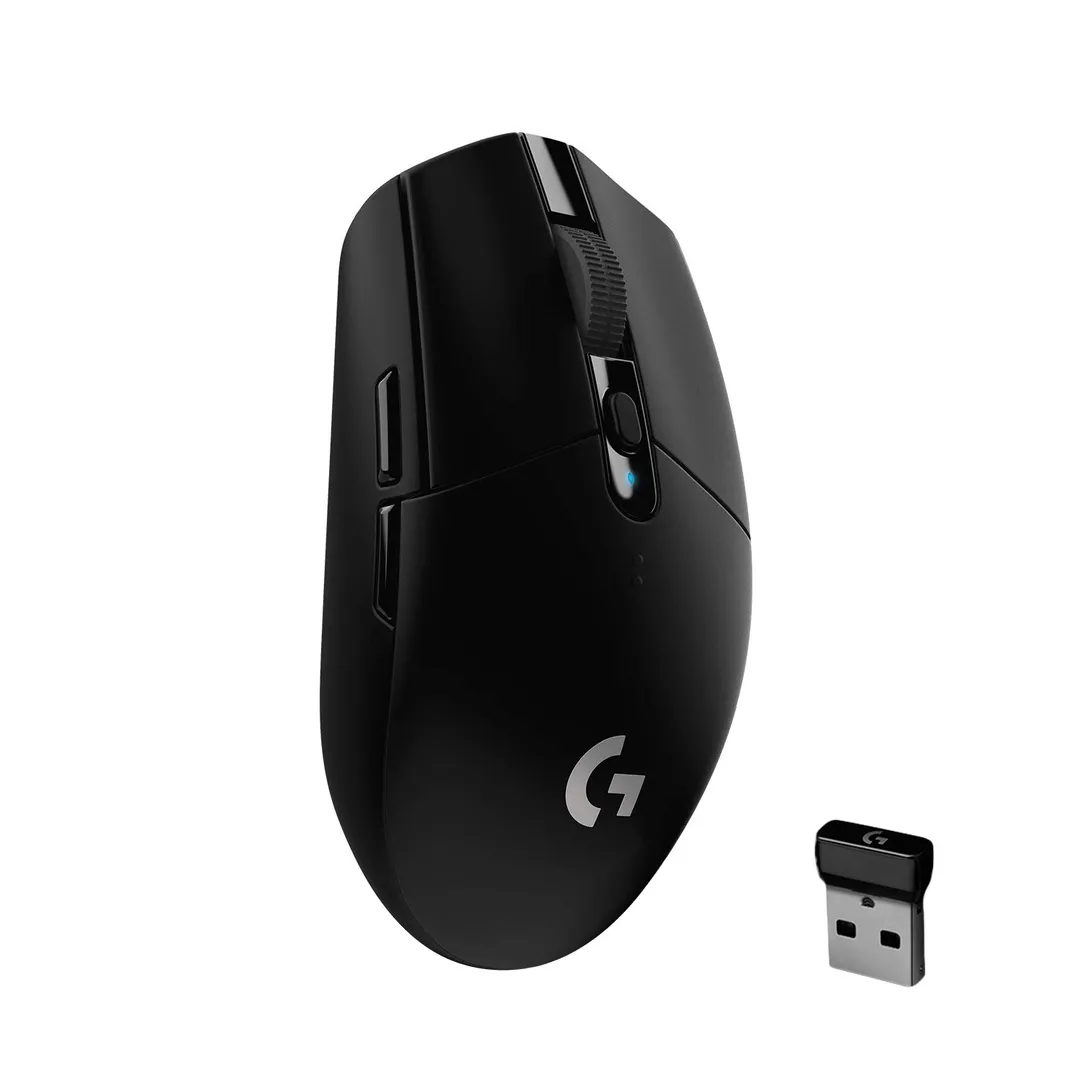
Logitech G304 Lightspeed
The Logitech G304 Lightspeed is the gaming pick that won't break the bank. Its wireless connection is fast and lag-free enough for real gaming, the sensor is accurate, and the battery lasts well, giving you genuine performance without the price of top-tier gaming mice. For budget-conscious gamers who still want a proper wireless mouse, it's the standout.
Its lightweight, gaming-focused shape is less plush for long office days than an ergonomic mouse, and it has fewer productivity buttons. But for responsive wireless gaming at a fair price, the G304 delivers where it matters.
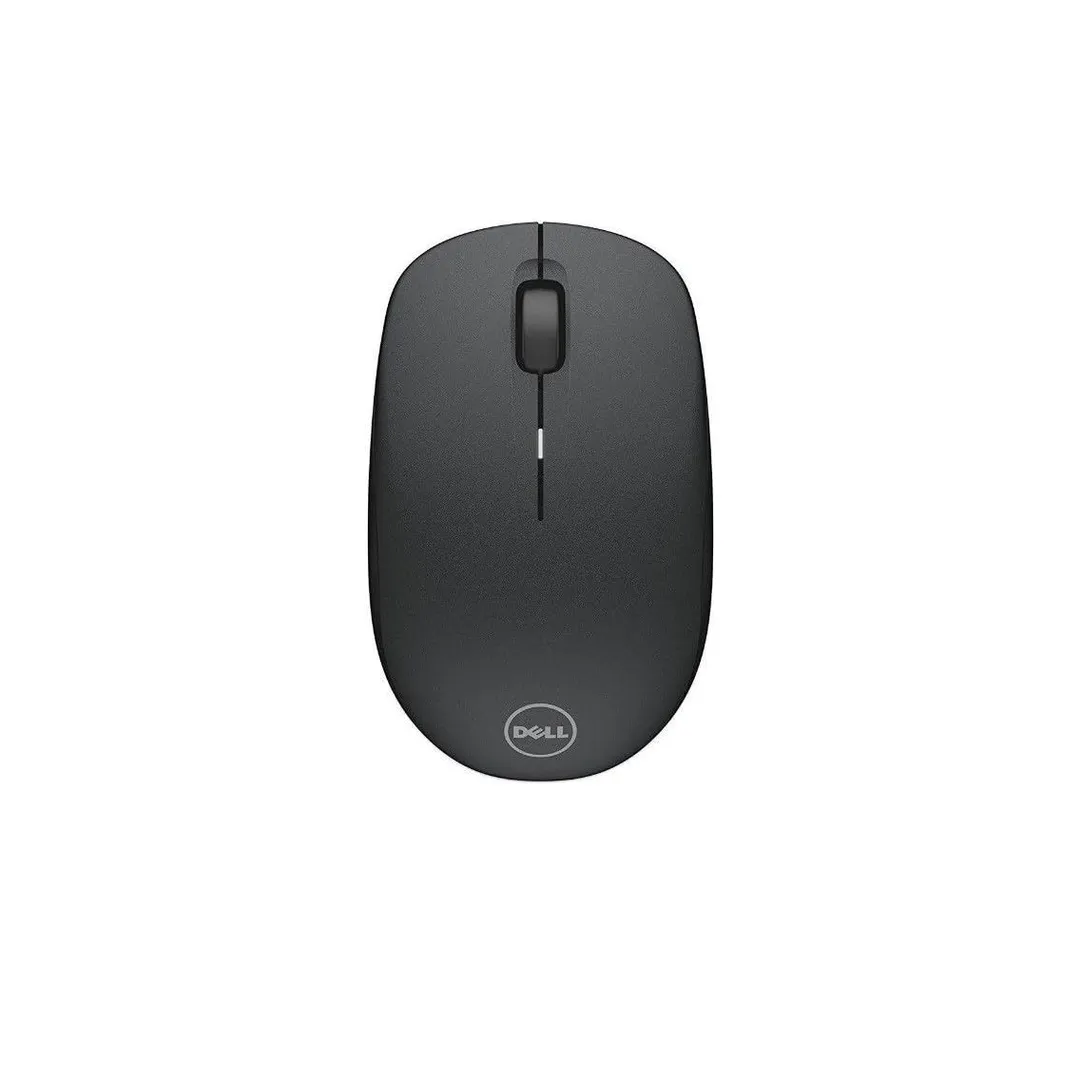
Dell WM126 Wireless Mouse
The Dell WM126 Wireless Mouse is the no-nonsense office staple. It's simple, comfortable enough for daily tasks, connects reliably over its little USB receiver, and costs very little, which makes it a sensible bulk choice for work-from-home setups. For a dependable, cheap everyday mouse, it quietly does the job.
It's plain, with clicks that aren't silent and no extra features. But for a reliable, affordable office mouse that just works, the WM126 is a safe, low-cost choice.
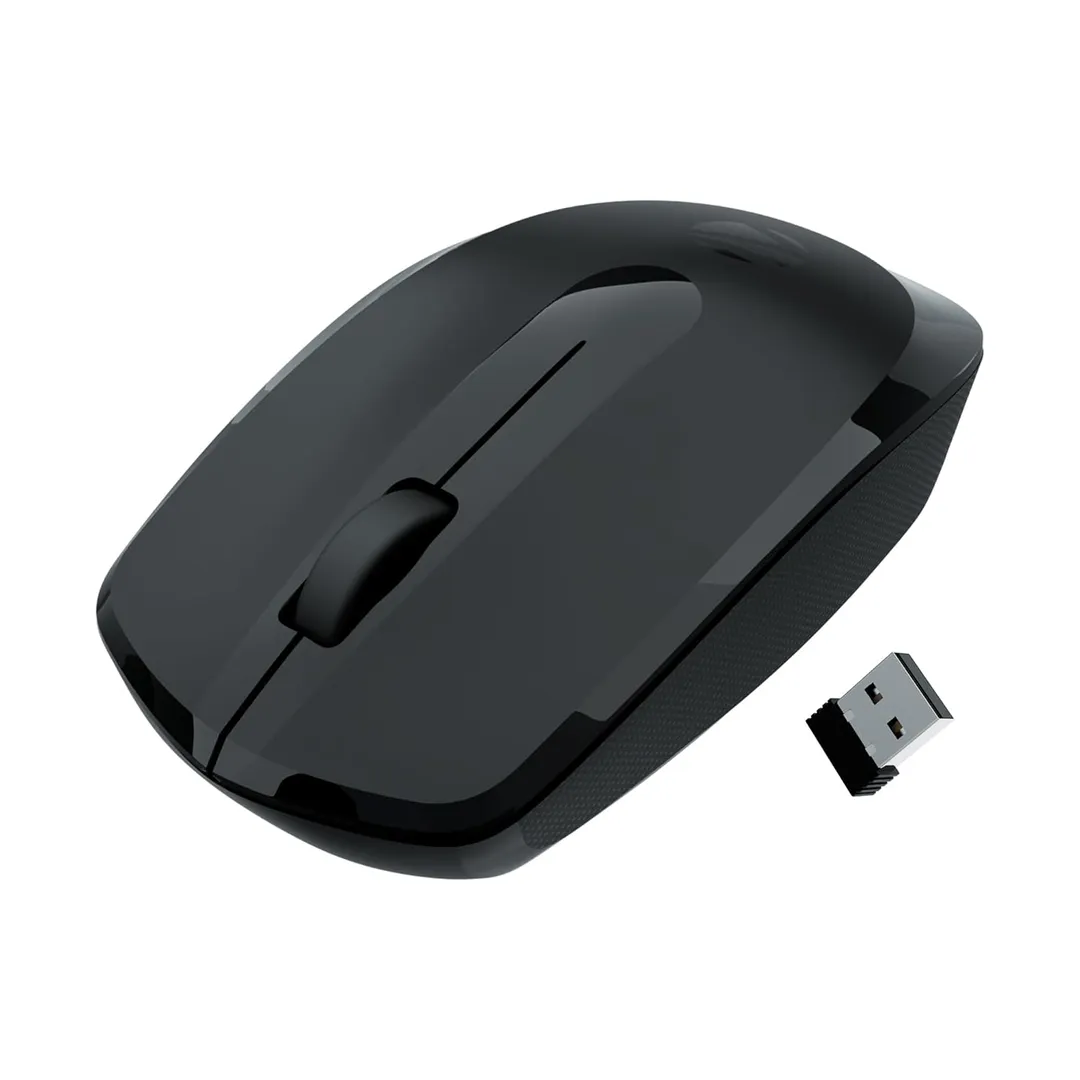
HP Wireless Mouse
The HP Wireless Mouse is the widely available budget pick. It's sold everywhere, connects easily, and handles everyday work and browsing comfortably at a low price, making it an easy grab when you need a mouse today. For a straightforward, accessible everyday mouse, it ticks the boxes without fuss.
Like other budget mice, it lacks silent clicks and premium comfort, and build is basic. But for an affordable, everywhere-available mouse that does the essentials, HP's wireless option is a sensible default.
Zebronics Wireless Mouse
The Zebronics Wireless Mouse is the ultra-budget backup. It's among the cheapest wireless mice around, works fine for basic navigation, and makes a perfect spare to keep in a bag or a first mouse for a secondary machine. For the money, it delivers the core function without pretension.
Build quality, comfort, and longevity are all basic, so it's not one for all-day heavy use. But as a cheap spare or backup mouse, the Zebronics does exactly what's needed for very little.
How to choose
Match the mouse to your main use, because a work mouse and a gaming mouse are built differently. For long days of typing and browsing, prioritise comfort and quiet clicks with an ergonomic mouse like the M331 or MX Master; for gaming, prioritise a fast, lag-free connection and accurate sensor like the G304. Buying a gaming mouse for office work, or vice versa, means paying for the wrong strengths.
Then weigh connection type, comfort, and battery. A tiny USB receiver generally gives a more rock-solid connection than Bluetooth for a desktop, though Bluetooth saves a port on a laptop, so pick based on your setup. Above all, get the size and shape right for your hand, a mouse you use for hours should feel comfortable, so a well-shaped one you'll use daily beats a feature-packed one that cramps your hand.
The verdict
For everyday work, the Logitech M331 Silent is the comfortable, quiet, dependable default. Spend up to the MX Master 3S if you live at your desk, and pick the G304 Lightspeed if you want real wireless gaming performance.