Best Ergonomic Mouse for Productivity and Gaming in India (2026)
Your bottom-line top pick for overall comfort and office power is the Logitech MX Master 4, which takes crown jewels from older models and adds better haptic feedback and quick gesture controls. If you split your desk time between heavy document editing and serious gaming, grab the Razer Pro Click V2 instead for its optical precision and dual-mode scrolling.
Who should buy
- Desk workers who type, spreadsheet, and edit for eight hours a day and feel wrist aches.
- Gamers who want low latency without sacrificing hand support during long matches.
- Mac and Windows users who need reliable multi-device Bluetooth switching.
- Anyone tired of cheap plastic clicks that wear out within six months.
Who should skip
- Left-handed users, since the top ergonomic shapes are built exclusively for right hands.
- Ultra-lightweight mouse purists who want something under 60 grams for pure twitch shooter games.
- Shoppers on a strict sub-two-thousand-rupee budget who only need basic web browsing clicks.
- Anyone with very small hands who prefers a fingertip grip over a full palm rest.
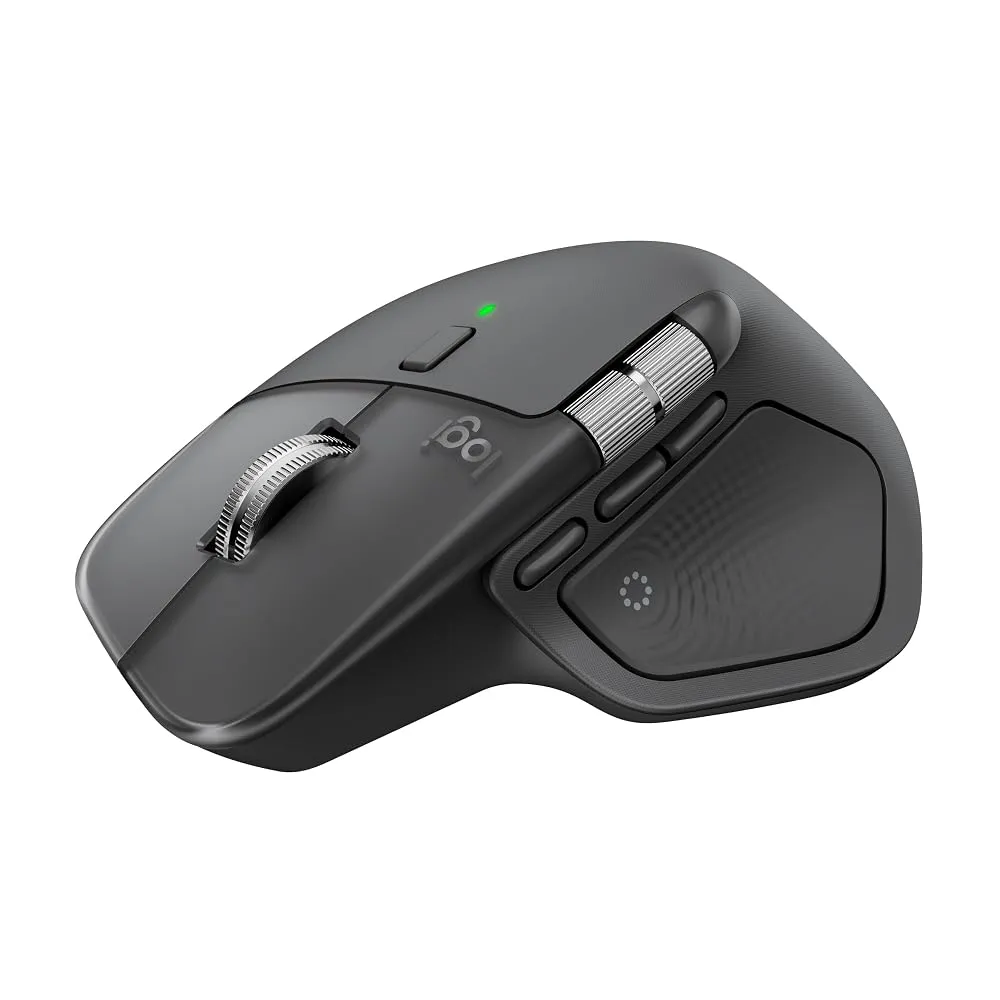
Logitech MX Master 4
The Logitech MX Master 4 handles daily office duties better than any competitor by combining a sculpted right-handed shell with the brilliant MagSpeed scroll wheel and a new gesture button. It feels solid in your hand, offers quiet operation, and brings a helpful haptic feedback feature that lets you navigate spreadsheets and long timelines with absolute confidence. Companion app support makes it simple to map custom shortcuts for your favorite creative tools.
The main catch is its hefty weight of 150 grams, which tires out your arm if you try to use it for fast-paced competitive shooters after work. Left-handed users are entirely left out because there is no symmetric version, and you still get no dedicated slot to store the USB dongle inside the mouse body. Buy this if you are a programmer, content creator, or spreadsheet jockey who values day-long palm support above all else, but skip it if you play fast twitch games.
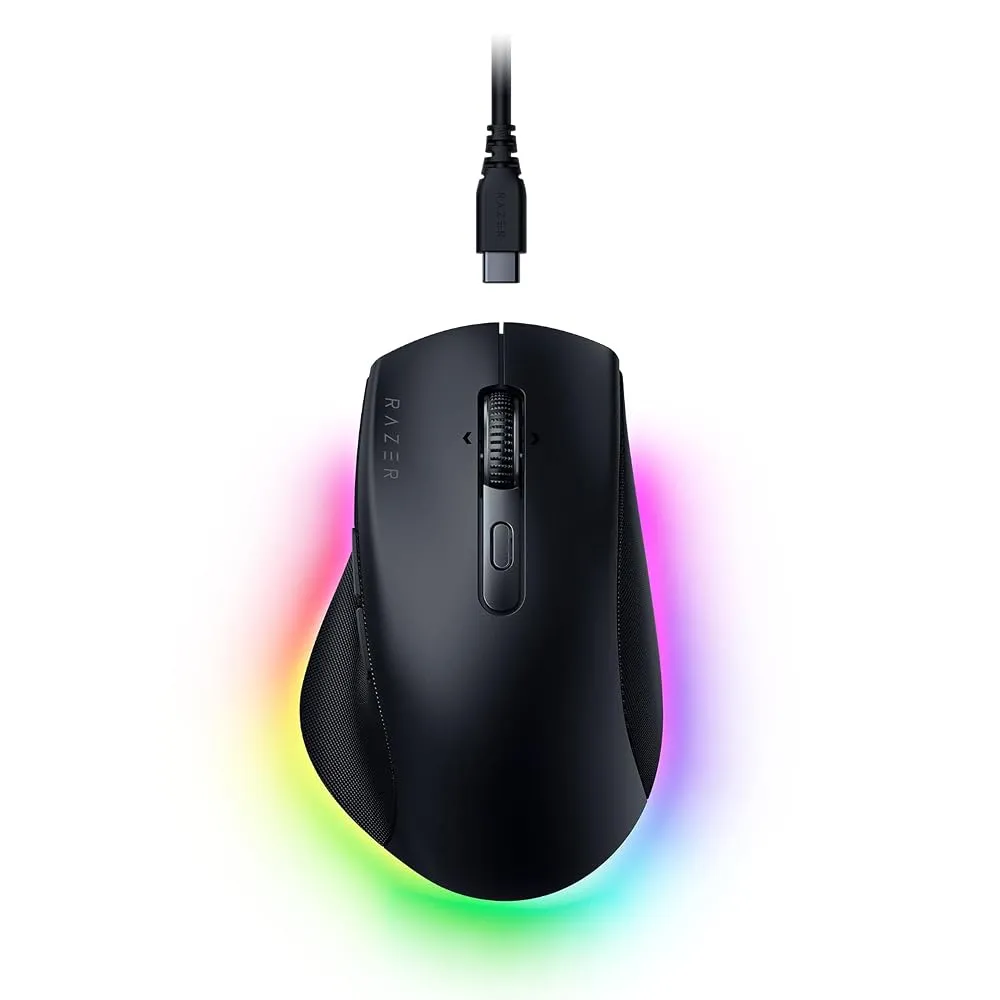
Razer Pro Click V2
The Razer Pro Click V2 bridges the gap between office productivity and gaming performance by packing a 30,000 DPI sensor into a comfortable ergonomic shape with extended thumb support. It works smoothly on almost any surface, including glass coffee shop tables, and gives you a dual-mode scroll wheel that switches between tactile steps and free-spin scrolling. AI shortcut integration also helps speed up repetitive writing and coding tasks.
Just like its Logitech rivals, this mouse ignores left-handed users completely, and the price tag sits comfortably in the premium tier. It is built for right-handed professionals who want a single mouse that can handle a full workday and jump straight into evening gaming sessions without breaking a sweat, but look elsewhere if you need an ambidextrous design.
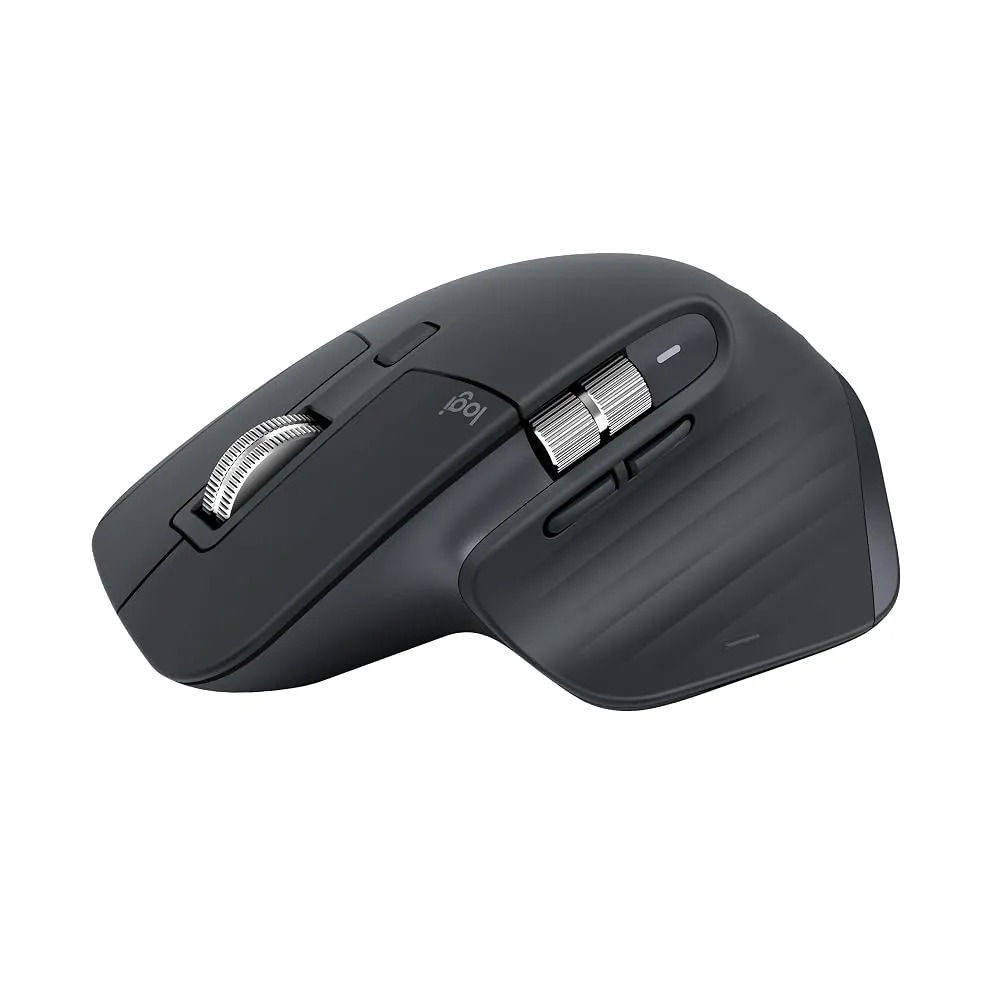
Logitech MX Master 3S
The Logitech MX Master 3S remains a massively popular choice because it nails the productivity fundamentals with its 8K optical sensor, quiet click buttons, and smooth thumb wheel. It tracks cleanly on glass desks and relies on the mature Logi Options+ software for deep button customization. The sculpted thumb rest naturally guides your hand into a relaxed posture during long work hours.
It shares the heavy 141-gram footprint of its successor, making it poorly suited for fast gaming sweeps. The physical clicks, while quiet, lack the crisp tactical snap that some gamers prefer. Pick up this model if you want the proven comfort of the MX series while saving a bit of cash compared to the newer flagship, but pass on it if you travel light and want a portable travel companion.
Razer DeathAdder V3 HyperSpeed
The Razer DeathAdder V3 HyperSpeed delivers top-tier ergonomic gaming performance in a much lighter package than traditional office mice, making it an ideal sub-$100 wireless weapon. Its shape contours naturally to your palm and fingers, reducing claw-grip tension during intense competitive matches. Sensor tracking is razor-sharp, and the click latency is virtually nonexistent.
It lacks secondary productivity features like a infinite free-spin scroll wheel or side thumb wheels, meaning document scrolling feels basic compared to dedicated office mice. The software suite requires an active internet connection for full setup utility, which can annoy offline users. Buy this if you are a gamer dealing with wrist fatigue who plays competitive shooters, but skip it if you need advanced macro wheels for video editing.
Logitech Lift
The Logitech Lift steps away from traditional horizontal layouts by using a 57-degree vertical grip that forces your forearm into a natural handshake position. This design specifically targets repetitive strain injuries and works wonders for small to medium hands that find oversized mice uncomfortable. Wireless connectivity via Bluetooth or the Logi Bolt receiver keeps your desk clean.
It is not built for speed or gaming, and the vertical angle takes a few days of awkward adjustment before your muscle memory catches up. Grab this if your wrist throbs after an hour of regular office work and you have smaller hands, but avoid it if you need high DPI gaming performance.
Keychron M6 8K
The Keychron M6 8K offers an affordable alternative to high-end productivity mice by combining an ergonomic shell, a thumb rest, and dual scrolling capabilities. It supports 2.4GHz wireless, Bluetooth, and wired connections, giving you total flexibility across different computers. It is also noticeably lighter than the heavyweights in the office category.
The scroll feel lacks the buttery refinement of Logitech hardware, and the companion software feels a bit clunky and unpolished. Choose this if you want an ergonomic multi-mode productivity mouse on a tighter budget, but look elsewhere if you demand premium software polish.
How to Choose the Right Ergonomic Mouse
Shopping for an ergonomic mouse in India requires looking past flashy marketing terms and understanding your own physical habits. Start by evaluating your grip style, because a vertical mouse that forces a palm grip will actually cause pain if you naturally use a fingertip grip. Hand size is equally critical; an oversized mouse like the MX Master series will strain smaller hands, while compact travel mice leave larger palms hanging unsupported. Think about your daily split between typing documents and playing games, as productivity mice prioritize infinite scroll wheels and heavy stability, whereas ergonomic gaming mice focus on low weight and precise sensor tracking.
A common mistake shoppers make is ignoring software compatibility with their operating system, especially if they switch between Windows PCs, MacBooks, or Linux rigs. Another frequent error is buying a vertical mouse expecting an overnight cure for wrist pain without giving your hand a week to adjust to the new handshake posture. Check connectivity options carefully to ensure your desk setup supports the Bluetooth version or wireless dongle type included in the box, and always verify whether the mouse has a dedicated compartment to store that dongle safely during travel.
Verdict
If you want the absolute best all-around ergonomic experience for work, buy the Logitech MX Master 4 for its unmatched comfort and gesture controls. If your desk life is split evenly between spreadsheets and fast gaming, grab the Razer Pro Click V2 instead. Budget shoppers looking for strong performance without spending a fortune should target the Keychron M6 8K.