Best Compact Ultrabook Laptops for Travel in India (2026)
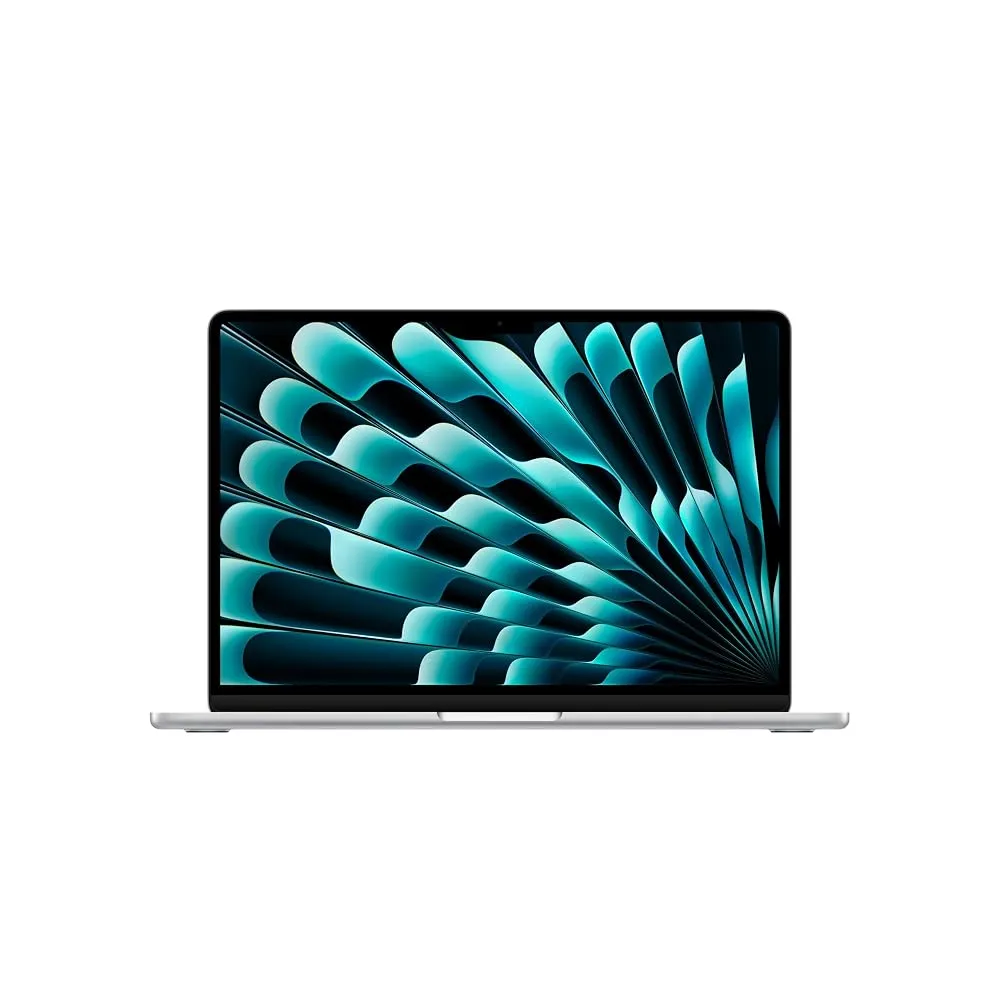
If you want the absolute best travel ultrabook right now, get the Apple MacBook Air 13 (M5). It pairs class-leading battery life and a fully fanless design with enough power to breeze through writing, spreadsheets, and everyday multitasking without burning your thighs.
Choosing the right travel machine means looking past inflated marketing terms and focusing on weight, real-world battery endurance, and keyboard comfort. Travel laptops take a beating in backpacks, get used in cramped airport seats, and need to survive long flights without hunting for wall sockets.
Who should buy
- Frequent flyers who need a laptop under 1.3 kg that easily slips into cramped airplane tray tables.
- Remote workers and students who care about getting an honest full-day battery life without carrying a heavy charger.
- Professionals who travel between client meetings and cafes and need a sturdy metal chassis that resists flex.
- Writers and coders who demand a comfortable keyboard and a high-resolution display that does not strain eyes.
Who should skip
- Hardcore gamers who need dedicated graphics cards to run demanding AAA titles on the go.
- Enterprise users whose core office software only runs on specific Windows environments incompatible with macOS or ARM chips.
- Budget-focused buyers who only want to spend under thirty thousand rupees for basic browsing.
- Power users who do heavy 4K video rendering and require sustained active cooling fans.
Apple MacBook Air 13 (M5)
The Apple MacBook Air 13 (M5) is a thin-and-light machine running on Apple silicon with a ten-core CPU, a next-generation GPU featuring neural accelerators, and 16GB of unified memory. It delivers higher overall performance than the segment average while keeping fan noise at absolute zero thanks to its fanless chassis. The Liquid Retina display reaches around 500 nits of brightness, making text crisp and readable, while the aluminum build shows very little flex in daily handling. You also get Wi-Fi 7 connectivity and a 12-megapixel Center Stage camera that handles video calls cleanly.
The main drawback here is the port selection, which limits you to just two Thunderbolt 4 ports alongside MagSafe, meaning you will need dongles for older USB drives or external displays. Its peak brightness also trails competing OLED panels, which can make outdoor use in glaring sunlight a bit tougher. This laptop is ideal for writers, students, and mobile professionals who live inside macOS and want a reliable travel companion. Look elsewhere if you rely heavily on legacy Windows applications or need a diverse array of built-in ports like HDMI and USB-A.
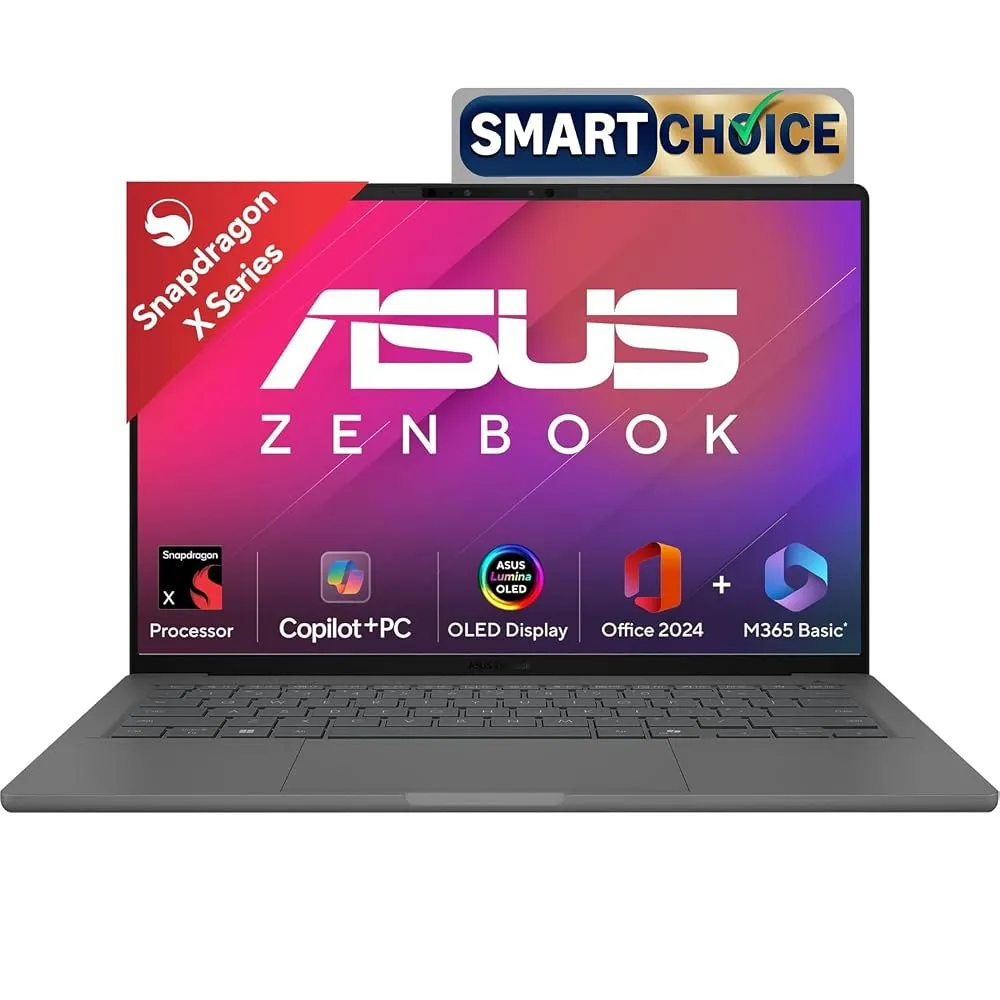
ASUS Zenbook A14
The ASUS Zenbook A14 is an ultralight 14-inch machine powered by an 18-core Snapdragon X2 Elite processor paired with 16GB of LPDDR5X RAM and a 512GB PCIe Gen 4 SSD. It weighs a feather-light 0.99 kg, making it almost unnoticeable in a travel backpack, and includes a Qualcomm Hexagon NPU capable of up to 80 TOPS of AI power. Battery backup is exceptionally high, pushing well past standard daily expectations to give you genuine multi-day portability on a single charge.
While the efficiency and battery life are stellar, you must keep in mind that Windows on ARM architecture can occasionally hit compatibility snags with niche corporate software or older peripheral drivers. It also lacks a discrete graphics card for serious gaming or heavy rendering tasks. This model suits digital nomads, consultants, and frequent travelers who prioritize maximum battery life and the lowest possible shoulder strain. Skip this if your daily workflow depends on specialized plugins or legacy apps that refuse to run smoothly on ARM processors.
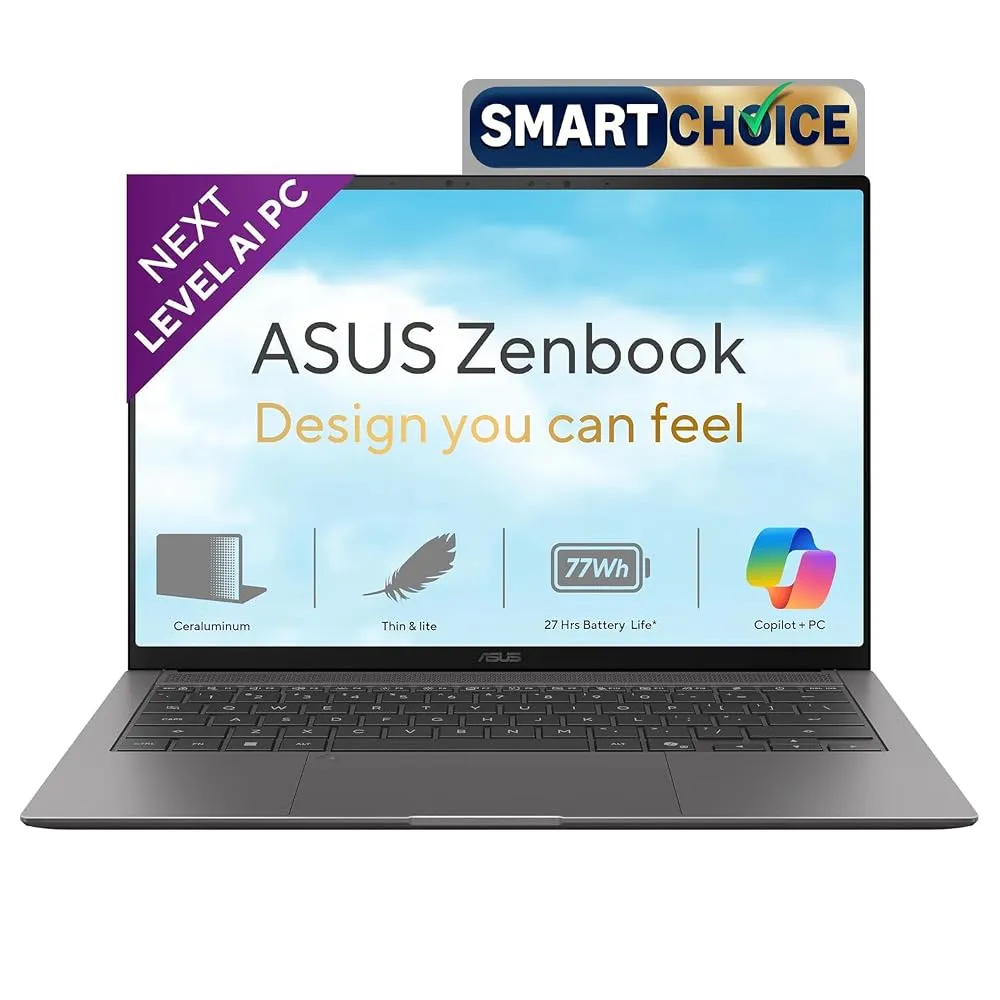
The ASUS Zenbook S14 (UX5406AA) brings a durable Ceraluminum build that offers solid scratch resistance while keeping the profile down to 1.1 cm thin and 1.2 kg light. Powered by up to an Intel Core Ultra 9 processor 386H with an NPU delivering up to 50 TOPS, it handles everyday office multitasking and AI tasks effortlessly. It also features a gorgeous 3K 120Hz Lumina OLED touchscreen that peaks at 1100 nits of HDR brightness, alongside built-in ports like dual Thunderbolt 4 connectors and an HDMI 2.1 port.
Even with its impressive specs, the high price tag places it firmly in the premium category, which might shock buyers looking for basic value. The keyboard also takes some getting used to if you prefer deep travel keys. This laptop fits corporate executives and creators who want a gorgeous OLED screen and robust I/O ports without carrying adapter hubs. Look elsewhere if you are on a strict budget or prefer a traditional matte IPS display.
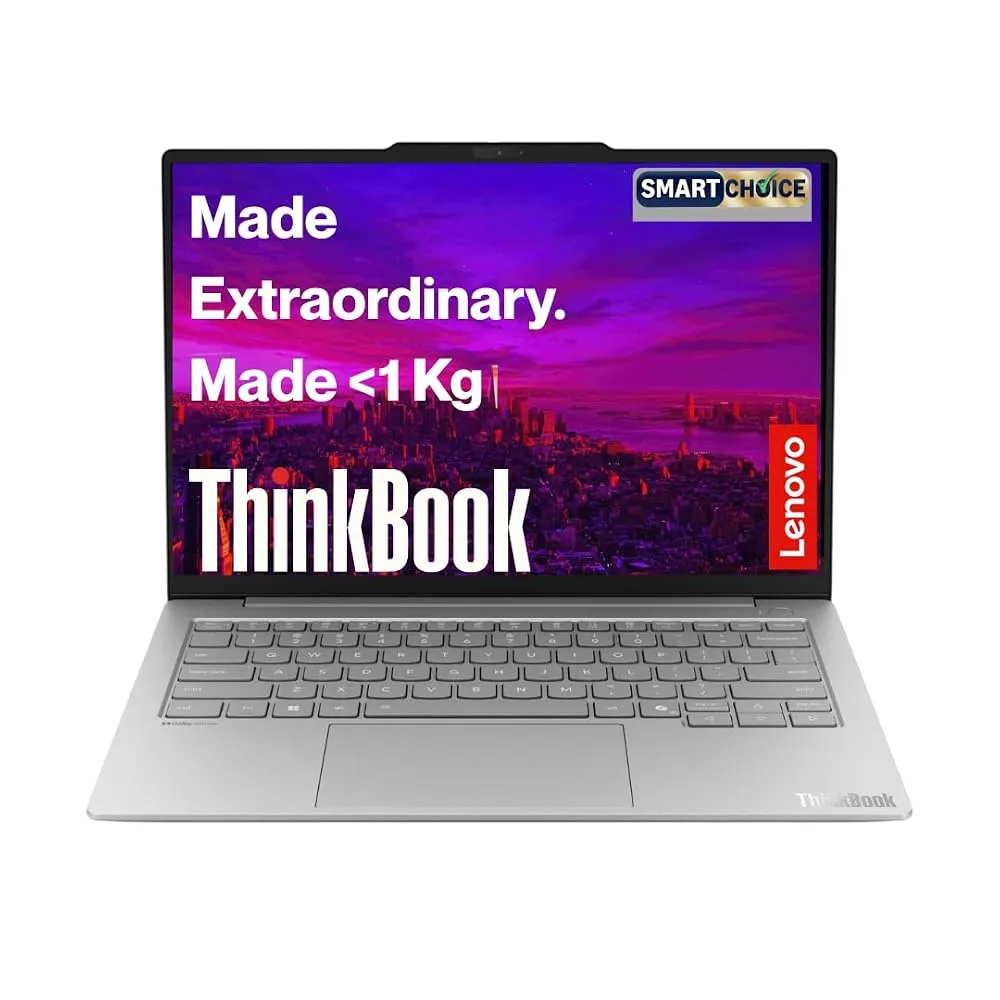
Lenovo ThinkPad X1 Carbon
The Lenovo ThinkPad X1 Carbon is a legendary business ultrabook that trims its weight down to 1.08 kg while keeping the iconic, comfortable keyboard layout that touch typists love. Powered by an Intel Core Ultra 7 processor, it hits the sweet spot for enterprise security, featuring robust build quality and a chassis designed to handle frequent transit. The 14-inch display provides plenty of workspace, and the overall design emphasizes repairability and reliability for long-term ownership.
On the downside, ThinkPad pricing tends to carry a corporate tax, and base configurations often start with conservative RAM allocations unless you customize them carefully. The integrated graphics are fine for office work, but they will crumble under heavy 3D gaming. This laptop is perfect for enterprise employees, journalists, and remote workers who type thousands of words a day and need an unbreakable keyboard. Skip this if you want vibrant multimedia OLED colors or a cheap consumer laptop for casual media consumption.
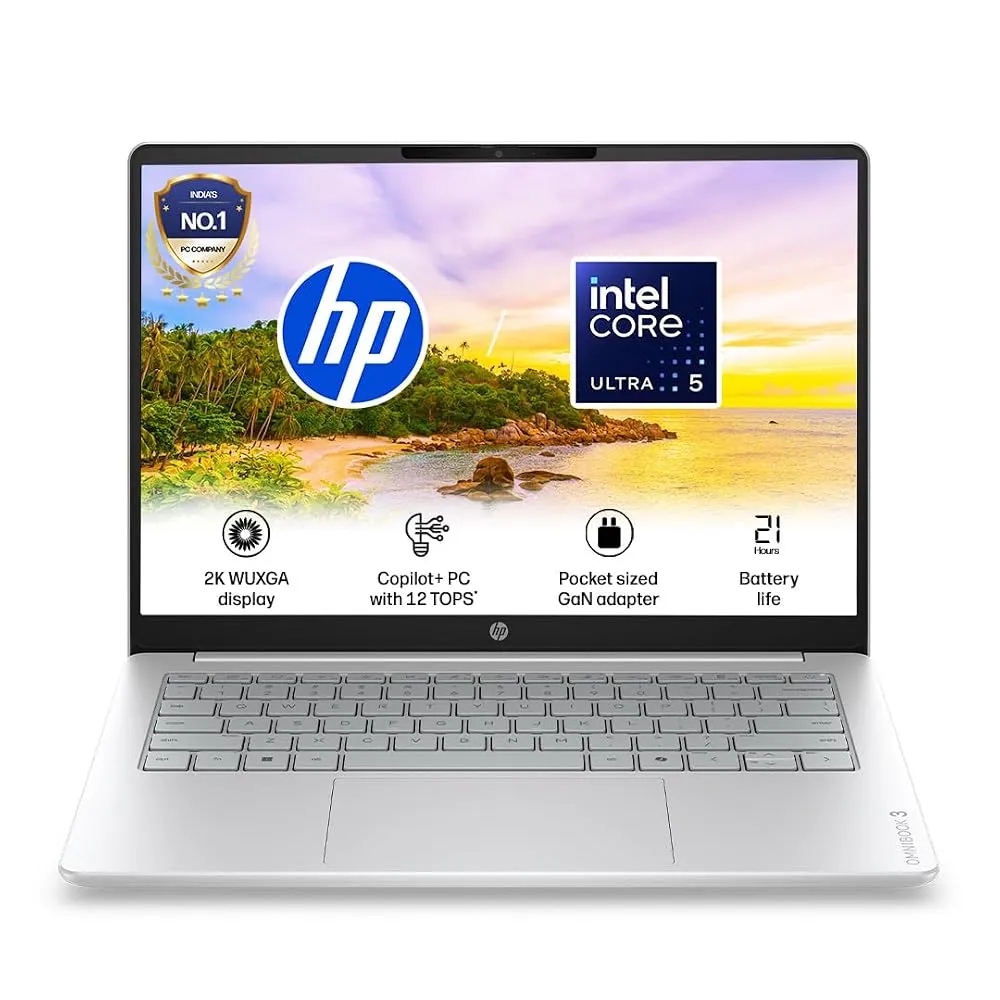
HP OmniBook Ultra Flip
The HP OmniBook Ultra Flip packs an Intel Core Ultra 7 processor into a 1.34 kg convertible 2-in-1 chassis featuring a sharp 14-inch 2.8K OLED touchscreen. It adapts easily from a traditional laptop to a tablet for reading documents or sketching ideas during flights. The display offers rich colors and deep blacks, while the overall build feels sturdy enough for frequent packing and unpacking in hotel rooms.
However, the 2-in-1 hinge mechanism adds a bit of heft compared to straight clamshells, and pre-installed software bloat requires some manual cleanup out of the box. Battery life is decent but trails the fanless Apple and Snapdragon alternatives during heavy use. This machine suits travelling consultants and designers who need touch input and tablet flexibility on the road. Look elsewhere if you want the absolute lightest weight or dislike reflective glossy OLED touch screens.
How to Choose Your Travel Ultrabook
Choosing the right travel notebook comes down to scrutinizing a few specs that actually impact your daily routine. Do not fall for marketing hype about peak CPU speeds that thermal throttling cuts down within five minutes. Instead, look closely at the battery capacity measured in Watt-hours and check independent tests for real-world endurance. Weight matters significantly if you commute daily or walk long airport terminals, so aiming for anything under 1.4 kg will save your shoulders over time. Screen quality also deserves attention because glare from cheap panels under harsh office or outdoor lights ruins productivity faster than a slightly slower processor.
A common mistake shoppers make is ignoring port availability or buying machines with soldered components they cannot upgrade later. Many modern ultrabooks drop standard USB-A and HDMI ports entirely, forcing you to carry dongles everywhere. Always verify what accessories you plug in daily before buying a machine with only USB-C slots. Another trap is buying a powerful gaming laptop for travel, only to realize the power brick weighs as much as the laptop itself and the battery dies in two hours. Match your purchase strictly to your actual workload rather than buying future-proof specs you will never use.
The Apple MacBook Air 13 (M5) remains the top recommendation for most travellers who want effortless battery life and silent operation. If you prefer the Windows ecosystem and need maximum battery endurance, the ASUS Zenbook A14 stands out as a stellar, ultra-light alternative.